1
6.
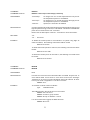
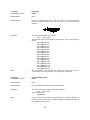
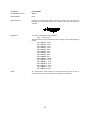
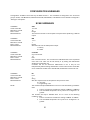
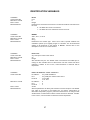
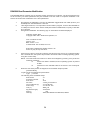
Modify the param eters as required by typing the change com m and at the [VxW orks Boot]
prom pt
Type: c<Enter>
The boot-loader prom pts you for each param eter.
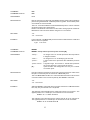
If a particular field has the correct value and does not need to be changed,
Press: <Enter>
NOTE: If any other key is pressed, that will replace the existing inform ation.
To clear a field,
Type: . <Enter>
To quit before viewing all of the param eters,
Type: CTRL+D.
7.
8.
9.
10.
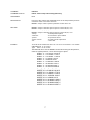
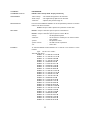
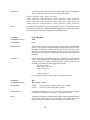
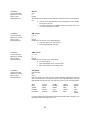
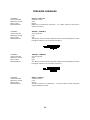
After all changes have been m ade, verify the settings:
Type: p<Enter>
The settings are saved in flash at this point.
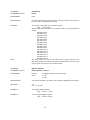
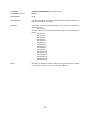
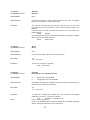
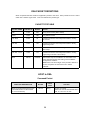
Restart the operating system , with the new settings,
Type: @ <Enter>
This is the “Load and Go” com m and.
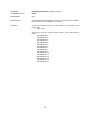
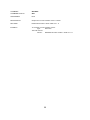
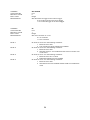
If the DSA3200 boots correctly, de-energize the DSA3200 and disconnect the serial test
cable.
Re-apply power to the DSA3200.
35