1
Hardware Installation (cont.)
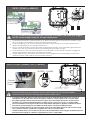
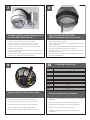
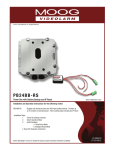
IP Reset® LED Operation
LED Operation
Green LED – Device Power Indicator
•
ON : Power On to Device
•
OFF : Power Off to Device
Yellow LED – Communication/Signal Status
•
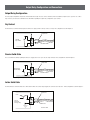
Timed Mode
: Flashes every second
•
Intelligent Mode
: Flashes every 90 Seconds (On = input High, Off = input Low)
Red LED – Operation Mode Indicator
•
ON : Intelligent Mode, device operating as expected
•
OFF : Timed Mode
•
Flashing : Intelligent Mode, device fault detected
IP Reset Software
To download a copy of the IP Reset software please do the following.
•
go to www.moogS3.com
•
Click on “Technical Support” button.
•
Click on “Setup Tools”
•
Click on “IP Reset Installation Software”
•
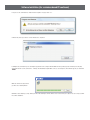
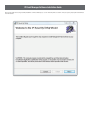
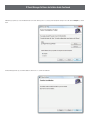
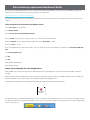
Once Program has downloaded, run program.