1
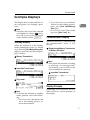
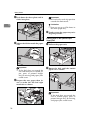
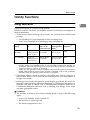
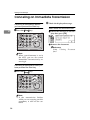
Guide to Components
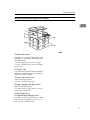
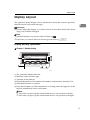
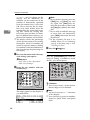
When the optional Paper Supply Unit is installed
1
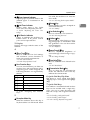
1. Main Side Cover
Open this cover when changing the toner
cartridge or installing the fusing unit
maintenance kit.
⇒ P.172 “Replacing the Toner Cartridge”
⇒ P.313 “Installing the Fusing Unit Maintenance Kit”
2. Bypass Tray
Use when the optional Printer Interface is
installed. ⇒ Please refer to the Printer Interface manual for details.
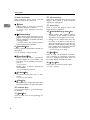
3. Paper Tray Side Cover
Open to clear paper jams.
⇒ P.168 “Clearing Paper Jams”
4. Paper Supply Unit Side Cover
Open to clear paper jams.
⇒ P.170 “Clearing Paper Jams in the Optional Paper Supply Unit”
5. Main Paper Tray
6. Optional Paper Supply Unit
Provides an extra paper source in addition to the main paper tray. You can install up to two of these units.
3