1
• Residents in Canada please see information about
XM Canada at tile following webpage:
(http://www.xmradio.ca/).
Receiving XM Radio
broadcasts
Before tuning,
doWll
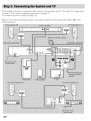
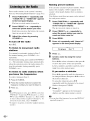
Connecting
Before operating
Ctmnect-and-Play
the XM Radio
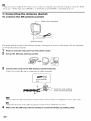
the system, connect
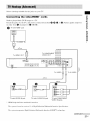
1
to
make sure Io turn the volume
millhl-lu[n.
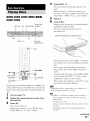
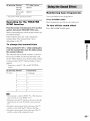
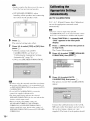
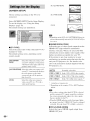
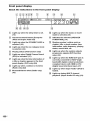
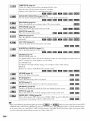
Press FUNCTION
+/- repeatedly until
"XM" appears in the front panel
display.
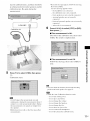
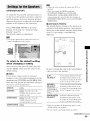
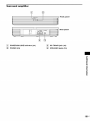
Ihe XM
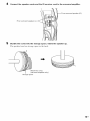
anlenna In Ihe XM jack.
Press TUNING
+ or - to select a
channel.
For slow tuning, press TUNING
brielly.
®
+ or -
For fast tUldng, press and hold TUNING
or
©
i
Adjust the volume by pressing
VOLUME +/-.
COAXIAL
.........
........
Selecting
category
XM Jack
channels
(Category
m
You cat1 select a channel
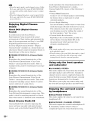
• To ensure optimal reception of XM's satellite signal,
all the categories
mode.
move
your
antenna
to various
+
-.
window
locations
around your home to see where tile best reception will
be received. Most XM customers place the antenna
in a south-facing window with a clear view to the sky.
1
from a
Tuning)
from one category or
by changing
the category
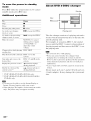
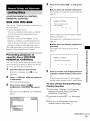
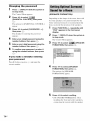
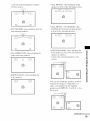
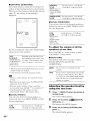
Press CATEGORY MODE repeatedly to
select "ONE CAT."
• ALL CAT : You can select a channel from
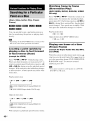
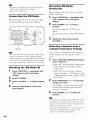
Checking
1
all the categories.
"ALL CAT."
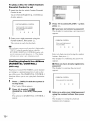
the XM Radio ID
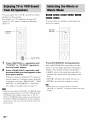
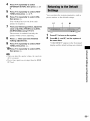
Press FUNCTION
+/- repeatedly
until
"XM" appears in the front panel
display.
2
3
4
Press D.TUNING.
Press O,and then @ to select channel
O.
Check the XM Radio ID in the front
panel display.
The initial setting is
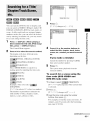
• ONE CAT : You can select a chatmel
li'om one category.
li'ont panel display,
CAT" mode.
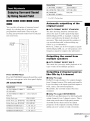
Press CATEGORY
"CAT" appears in the
when you set to "ONE
+ or - to select the
category you want.
The c'ategor_ is selected mid the channel
with the lowest number in the specified
category is selected.
Press TUNING
channel,
+ or - to select the
• When you select a channel in the "ONE CAT" mode,
the channel you selected may not be Ihe one in tile
category you want. This ixbecause one channel may
belong to more than one category.
• If you press CATEGORY + or in the "ALL CAT"
mode, the first channel of the next or previous
category is selected (Category Skip).
64us