1
AB
Er
ics No
so t fo
nM r
ob Com
ile
me
Co
r
mm cial
un Use
ica
tio
ns
Display Information
and Key Functions
DISPLAY INFORMATION
Your phone display helps you to:
•
make sure that you are dialling correctly
•
check your signal strength and service availability
•
find out if you have received messages
•
check which line is in use if you have the Two Line Service
•
check battery level
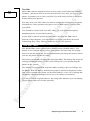
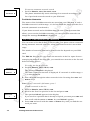
Icons in the Display
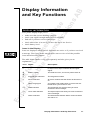
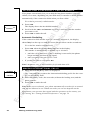
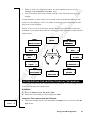
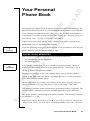
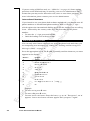
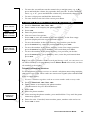
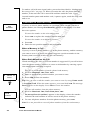
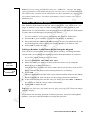
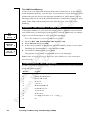
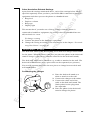
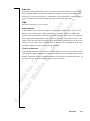
Icons are displayed when specific functions are active or if you have received
a message. The figure in the margin shows an overview of all the possible
icons and where they appear.
The table below shows every icon separately and also gives you an
explanation.
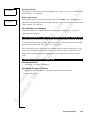
Icon: Name:
Description:
4
2
Signal strength meter
The strength of the received signal is indicated
in steps. Four steps indicate the strongest
signal.
7
8
Battery meter
The fuller the icon, the more power there is.
K
Keypad lock indicator
The keypad is locked.
l
Divert indicator
An arrow means that the Divert all function is
on.
S
Silent ring signal
A crossed note means that no sound can be
heard when you receive a call.
Mm
SMS indicator
The envelope icon means that you have
received a text message.
Tt
Voice mail indicator
The tape loops mean that you have received a
voice message.
B
Alarm indicator
The bell shows that the alarm clock has been
set and is on.
Display Information and Key Functions
17