1
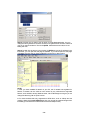
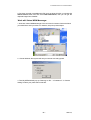
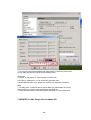
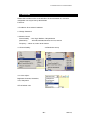
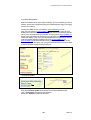
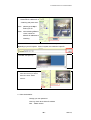
Step 4: Click the one you want to set, its name, IP will be displayed below. You can
change its name (please use numbers or letter) or IP (please set in the same subnet as
your PC) in the text windows. Then click Update. After about 20 seconds, the new
setting will work.
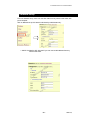
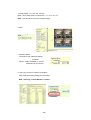
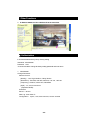
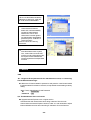
Step 5: Double click the picture in the window of KIPEdit or type the IP address in the
IE browser, you can open the web page of IP9000A. If you cannot open the web page
of IP9000A, be sure that you have installed IE 6.0 with SP1 or later version.
NOTE:
1. After you have installed IP 9000A on your PC, the IP 9000A was registered in
DirectX. IP 9000A can be used as local camera by any software that supported
DirectX, such as MSN, Amcap, Media encoder, Yahoo Messenger as long as you not
change the directory path of ipcam’s driver.
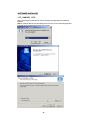
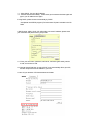
2. For those software that only supported old VFM driver, such as Vidcap and net
meeting, please click install VFM device, then you can get the captured images from
IP9000A (you should be the administrator at the first install process)
- 10 -