1
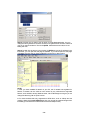
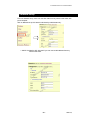
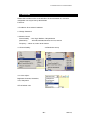
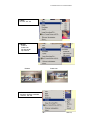
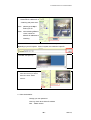
1-1 : Using Still IP: list your still IP address
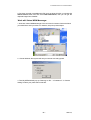
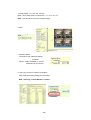
1-2 : Choose “Reboot immediately”. Please close your browser and reboot again and
type in your IP address once again.
If using DHCP, please choose‘ Automatically by DHCP”
*And please use KIPEdit program (Find users exact IP) that’s included in the CD
ROM
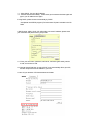
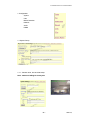
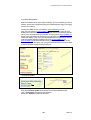
2. DHCP setup- ADSL / xDSL: ISP will provide your exact IP address, please enter
your Username and password for your provider.
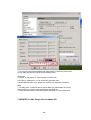
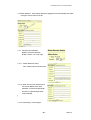
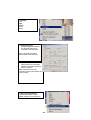
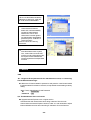
2-1 Enter your user name, password, mail server, mail name (pass word), sender
e-mail, and receiver e-mail.
2-2 Choose Save & Dial Now, by using PPPoE it can automatically dial to your ISP,
and ISP will provide exact IP address in your mail.
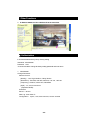
2-3 turn off your browser of IP Kamera 9000A and restart
- 14 -