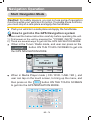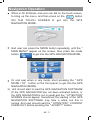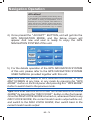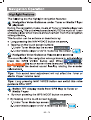
1
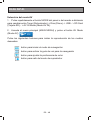
AV-In Mode
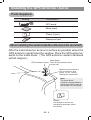
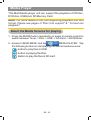
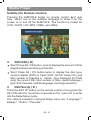
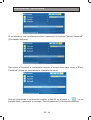
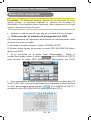
Select the AV mode
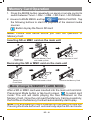
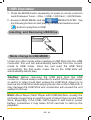
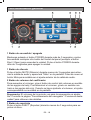
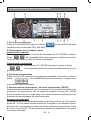
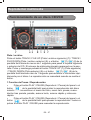
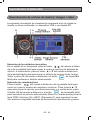
1. Press the MODE button repeatedly on panel or remote control
to switch between Tuner -> Disc -> USB - > SD Card - > AV IN
Mode.
AV-In
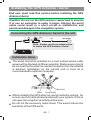
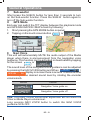
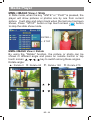
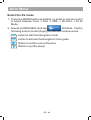
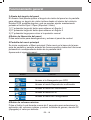
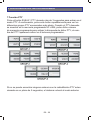
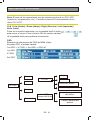
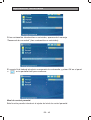
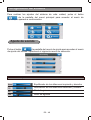
2. Aceess to MAIN MENU and tap
AV Mode. Tap the
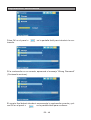
following buttons to start playing the desired media sources:
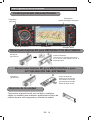
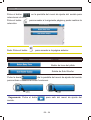
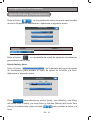
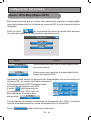
NAVI button to start the Navigation mode
NAVI
button to activale the Navigation Voice guide
VOICE
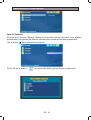
Button to set the color preference
Button to quit the player
BR - 49