1
Ar-M208_sec.book 60 ページ
2002年6月13日 木曜日 午後2時37分
B/W REVERSE
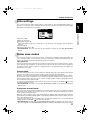
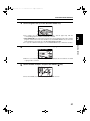
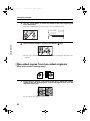
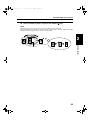
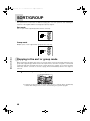
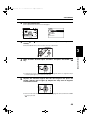
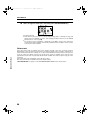
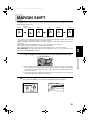
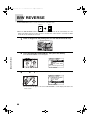
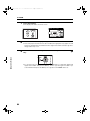
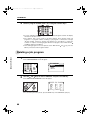
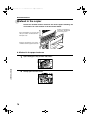
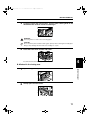
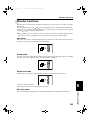
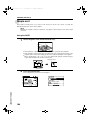
The B/W REVERSE feature is used to reverse black and white areas.
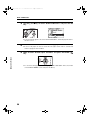
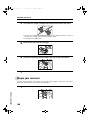
Original
Copy
● When
the B/W REVERSE feature is selected, the exposure mode will be automatically set to the
TEXT mode. Other exposure modes cannot be selected. Even if this feature is canceled, the TEXT
mode will not automatically be canceled.
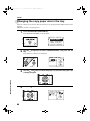
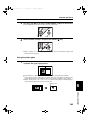
1
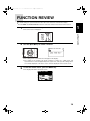
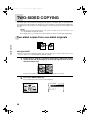
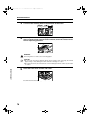
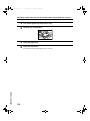
Place an original on the platen glass or in the document feeder tray.
Document feeder tray
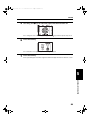
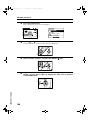
2
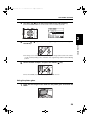
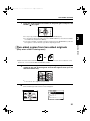
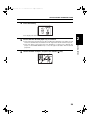
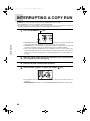
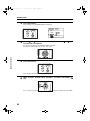
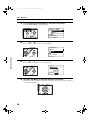
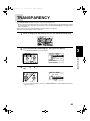
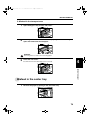
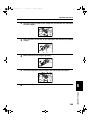
Press the SPECIAL FUNCTION key. Then press the OK key.
● The
SPECIAL MODES screen will appear.
SPECIAL FUNCTIONS
SPECIAL MODES
MARGIN SHIFT
ERASE
DUAL PAGE COPY
[OK]:ADJUST
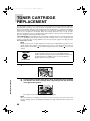
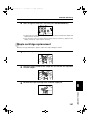
3
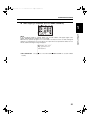
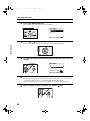
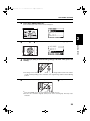
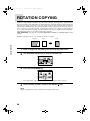
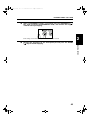
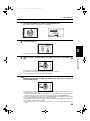
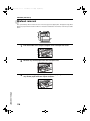
Use the
and
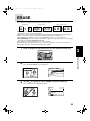
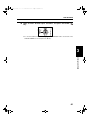
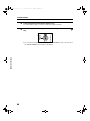
keys to select "B/W REVERSE" and press the OK key.
SPECIAL MODES
2in1/4in1
XY ZOOM
B/W REVERSE
[OK]:OFF ON
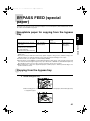
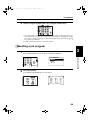
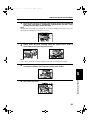
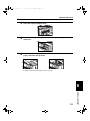
●A
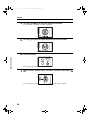
check mark will appear to the left of "B/W REVERSE", and the display will return to the
basic screen.
60