1
ZPL II Programming Guide Volume One: Command Reference for X.10
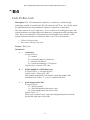
^GB
Graphic Box
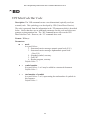
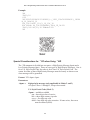
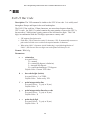
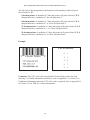
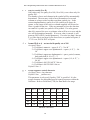
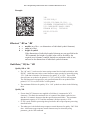
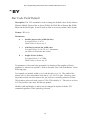
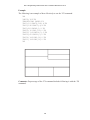
Description: The ^GB command is used to draw boxes and/or lines as part of a label
format. Boxes and lines are use to highlight important information, divide labels into
distinct areas, or just dress up the way the label looks. The same format command is
used for drawing either boxes or lines.
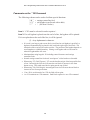
Format:^GBw,h,t,c,r
Parameters:
w =
box width (in dots)
Accepted Values: value of t to 32000
Default Value: value used for thickness (t) or 1
h =
box height (in dots)
Accepted Values: value of t to 32000
Default Value: value used for thickness (t) or 1
t =
border thickness (in dots)
Accepted Values: 1 to 32000
Default Value: value used for thickness (t) or 1
c =
line color
Accepted Values: B (black) or W (white)
Default Value: B
r =
degree of corner-rounding
Accepted Values: 0 (no rounding) to 8 (heaviest rounding)
Default Value: 0
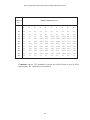
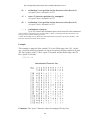
For the w and h parameters, keep in mind that printers will have a default of 6, 8, 12,
or 24 dots/millimeter. This comes out to 153, 203, 300, or 600 dots per inch. To
determine the values for w and h, calculate the dimensions in millimeters and
multiply by 6, 8, 12, or 24.
If the width and height are not specified, you will get a solid box with its width and
height as specified by value t.
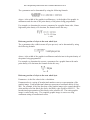
The roundness-index is used to determine a rounding-radius for each box. Formula:
rounding-radius = (rounding-index / 8) * (shorter side / 2)
where the shorter side is the lesser of the width and height (after adjusting for
minimum and default values).
135