1
3
Linear Model Identification
• “Estimating Model Orders at the Command Line” on page 3-53
• “Estimating Delays at the Command Line” on page 3-55
• “Selecting Model Orders from the Best ARX Structure” on page 3-55
Why Estimate Model Orders and Delays?
To estimate polynomial models, you must provide input delays and model
orders. If you already have insight into the physics of your system, you can
specify the number of poles and zeros.
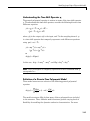
In most cases, you do not know the model orders in advance. To get initial
model orders and delays for your system, you can estimate several ARX
models with a range of orders and delays and compare the performance of
these models. You choose the model orders that correspond to the best model
performance and use these orders as an initial guess for further modeling.
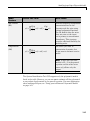
Because this estimation procedure uses the ARX model structure, which
includes the A and B polynomials, you only get estimates for the na, nb, and
nk parameters. However, you can use these results as initial guesses for the
corresponding polynomial orders and input delays in other model structures,
such as ARMAX, OE, and BJ.
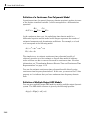
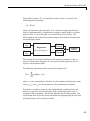
If the estimated nk is too small, the leading nb coefficients are much smaller
than their standard deviations. Conversely, if the estimated nk is too large,
there is a significant correlation between the residuals and the input for lags
that correspond to the missing B terms. For information about residual
analysis plots, see “Using Residual Analysis Plots to Validate Models” on
page 8-16.
Estimating Orders and Delays in the GUI
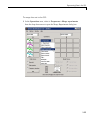
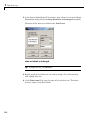
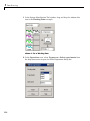
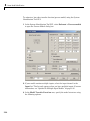
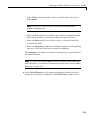
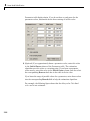
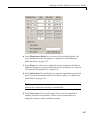
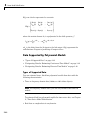
The following procedure assumes that you have already imported your data
into the GUI and performed any necessary preprocessing operations. For
more information, see Chapter 1, “Data Processing”.
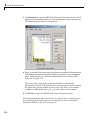
To estimate model orders and input delays in the System Identification Tool
GUI:
3-50