1
1
Data Processing
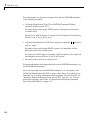
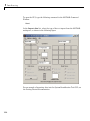
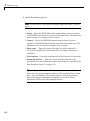
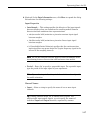
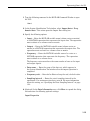
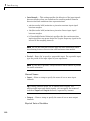
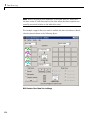
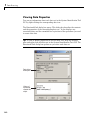
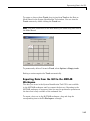
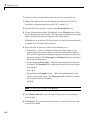
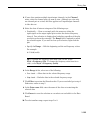
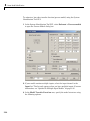
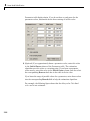
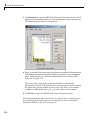
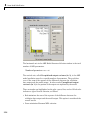
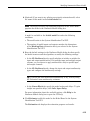
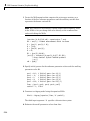
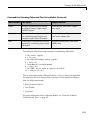
3 Specify the following options:
Note For time series, only import the output signal and enter [] for the
input.
• Input — Enter the MATLAB variable name (column vector or matrix)
or a MATLAB expression that represents the input data. The expression
must evaluate to a column vector or matrix.
• Output — Enter the MATLAB variable name (column vector or
matrix) or a MATLAB expression that represents the output data. The
expression must evaluate to a column vector or matrix.
• Data name — Enter the name of the data set, which appears in
the System Identification Tool window after the import operation is
completed.
• Starting time — Enter the starting value of the time axis for time plots.
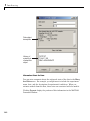
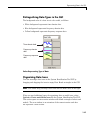
• Sampling interval — Enter the actual sampling interval in the
experiment. For more information about this setting, see “Specifying the
Data Sampling Interval” on page 1-28.
Tip The System Identification Toolbox product uses the sampling
interval during model estimation and to set the horizontal axis on time
plots. If you transform a time-domain signal to a frequency-domain
signal, the Fourier transforms are computed as discrete Fourier
transforms (DFTs) using this sampling interval.
1-16