1
FreeAgent for Macintosh
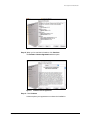
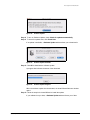
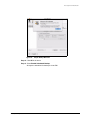
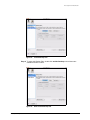
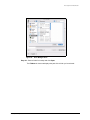
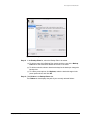
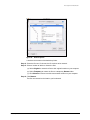
Step 5: Select a different folder for backup and click Open.
The Folders tab view now displays the path of the folder you’ve selected.
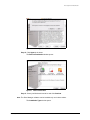
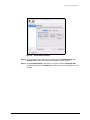
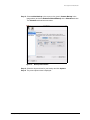
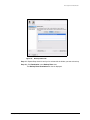
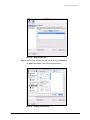
Step 6: Click Destination in the Backup Plans view.
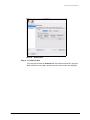
The Backup Plans Destination tab view displays the current backup destination:
Figure 41:
Backup Plan Destination
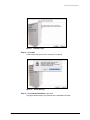
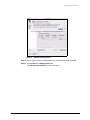
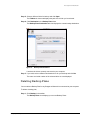
Listed are the drives currently connected to your computer.
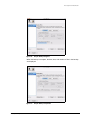
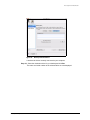
Step 7: If you wish, select a different destination drive for your backup and click Set.
The name and serial number of the selected drive are now displayed.
Deleting Backup Plans
You can delete a Backup Plan for any Seagate or Maxtor drive connected to your computer.
To delete a backup plan,
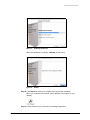
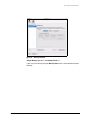
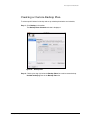
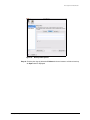
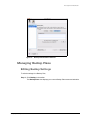
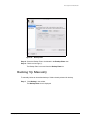
Step 1. Click Backup in the toolbar.
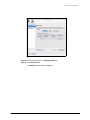
The Backup Plans view displays your current Backup Plans:
Managing Backup Plans
30