1
Advanced features
6
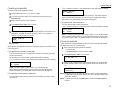
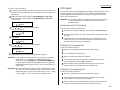
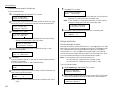
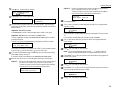
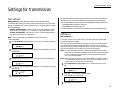
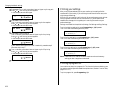
P2:Fax#/Advan.Func.
_
7
Programming an F-Code transmission
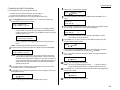
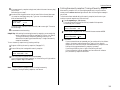
Press ENTER. The LCD now shows either:
or P2:Fax#/Advan.Func.
9-5558743_
Use the numeric keypad to enter the number exactly as your machine should
dial it, including whatever codes your phone system requires. The number can
be up to 40 characters in length:
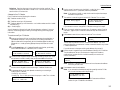
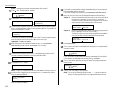
P2:Fax#/Advan.Func.
9-5550696_
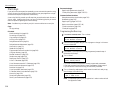
For this operation to work, two things must be true:
You must know how the remote fax is using each F-Code box to which you re
transmitting for example, as a security box or a relay box. Different fax manufacturers may use slightly different terms, but the concepts are the same.
You must know the remote fax s ITU-T sub-address and password for each box to
which you want to transmit.
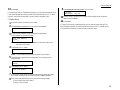
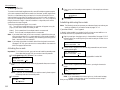
To program an F-Code transmission into a programmable one-touch key:
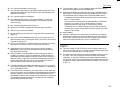
1
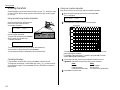
Your display shows only 20 characters at a time. To view characters beyond
those 20, press to scroll to the left or to scroll to the right.
Select Program No.
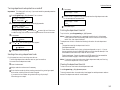
P2:No Number Stored
Important: Do not press ENTER.
8
9
10
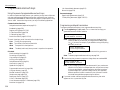
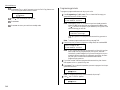
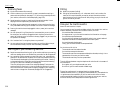
Note: If P2 appears on the LCD, it means that you have already entered a
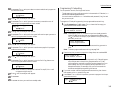
number for P1. You can see what you programmed into P1 by pressing , if you want. For example, if you set P1 for storing of the polling
document, you will see:
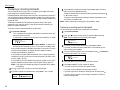
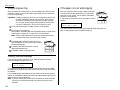
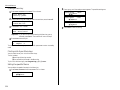
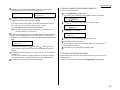
Next, while you can still see the fax number on the LCD, press ADVANCED FUNCTIONS twice and then press ENTER.
If you want the polling to begin immediately every time you press the key,
press ENTER and skip to step 12.
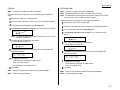
If you want to delay the polling, press ADVANCED FUNCTIONS, ENTER.
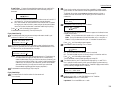
Select Program No.
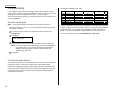
P1:Polling Document
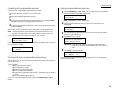
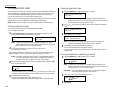
Next, tell your fax to carry out this delayed command one of these ways:
Option 1:
Perform the command once at a certain time on a certain day of
the month. (For example, Do this at 5:05 PM on the 30th. )
To select this option, use the numeric keypad to enter the date
and time when the fax should perform the command:
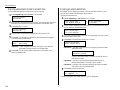
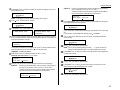
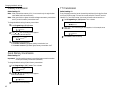
Delayed
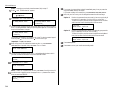
Enter Time: 30/17:05
Option 2:
Press to go back to the programmable one-touch key you want to
enter.
Note: To erase a programmable one-touch key, see page 3.49.
2
Perform the command at a certain time each day you press the
key. (For example, Do this at 5:05 PM today. )
To select this option, use the numeric keypad to enter 0, 0 and
then the time the fax should perform the command:
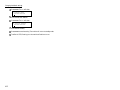
Press ENTER, ENTER.
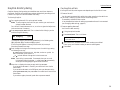
Press STOP to return your machine to standby mode.
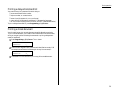
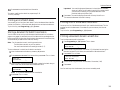
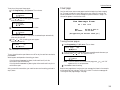
Press the key that you want to program or change. Here, we ve selected P2.
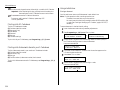
Select Program No.
P2:No Number Stored
Note: If your previous command for this key was for an F-Code transmission and you want to keep this key programmed for an F-Code
transmission, use these instructions to make changes. But if you want
to assign this key to a completely different operation (for a delayed
transmission, for example), then you first must erase the stored command before programming the new one.
Delayed
Enter Time: 00/17:05
11
12
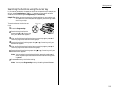
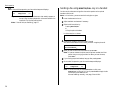
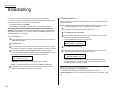
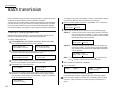
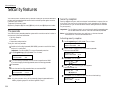
Press Program key, A, 3, 0, 1, ENTER. The LCD shows the first empty programmable one-touch number available:
3
4
If you want to select a different programmable one-touch key than the one
that appears on the LCD, press that key now.
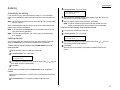
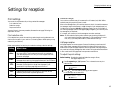
Press ENTER. The LCD asks which operation you want to program into the programmable one-touch:
Type :Communication
←/→/Enter
3.41