1
IM-DR410E
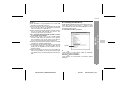
Master MiniDisc operation
Operation of the MiniDisc for stamping
1
9
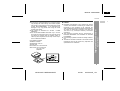
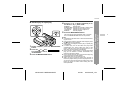
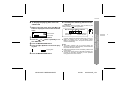
Insert a master MiniDisc.
Load a MiniDisc for stamping.
Do not mistake the master MiniDisc for the target one.
4
5
6
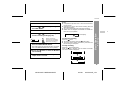
Press the
or
button repeatedly to select "NAME STAMP".
Press the MENU/ENTER button.
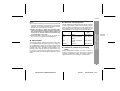
10Press the MENU/ENTER button.
The unit will finish recording the character information
and enter the stop mode.
Note:
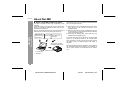
If the total number of tracks on the master MiniDisc does
not match that on the MiniDisc for stamping, the unit will
display "Can'tSTAMP" and turn off.
To cancel the operation, press the :OFF/HOLD button.
7
8
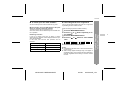
Press the MENU/ENTER button.
If this happens, adjust the total number of tracks on the
newly recorded MiniDisc using the edit operation.
-Titling a MiniDisc-
3
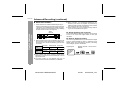
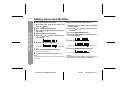
Whilst in the stop mode, press the MENU/
ENTER button.
Press the
or
button repeatedly to select "EDIT".
Press the MENU/ENTER button.
Advanced Features
2
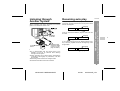
When the unit displays "CHANGE MD", remove the master MiniDisc.
6
6
5
4
Remove it without turning off the power. Or, the operation will be cancelled.
3
2
1
33
IM-DR410E TINSE0550AWZZ
03/7/21
IM-DR410E_5.fm