1
IM-DR410E
Hold Function
-Hold Function-
Preparation
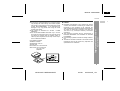
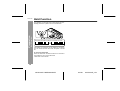
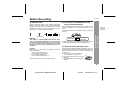
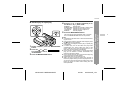
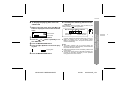
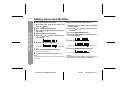
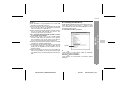
The operation can be kept even if other buttons are accidentally pressed in a place such as a crowded train.
Hold down the HOLD button for 2 seconds or more.
Hold
Release
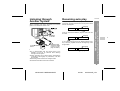
If the battery is inserted or the AC adaptor is connected,
you can set this function even when the power is turned
off.
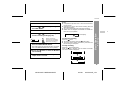
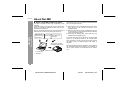
To cancel the hold mode
Press and hold down the HOLD button for 2 seconds or
more whilst the unit is in the hold mode.
"HOLD OFF" will be shown.
14
IM-DR410E TINSE0550AWZZ
03/7/21
IM-DR410E_2.fm