1
Chapter 5: Local Management
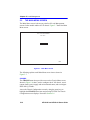
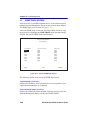
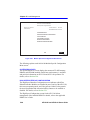
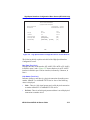
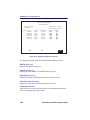
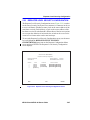
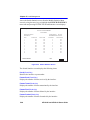
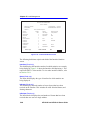
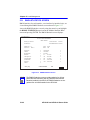
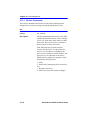
The following briefly explains each screen accessible from the Chassis
Menu screen.
CHASSIS CONFIGURATION
The Chassis Configuration screen allows the user to configure operating
parameters for the 6C105 chassis. For details, refer to Section 5.7.
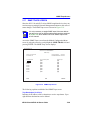
SNMP COMMUNITY NAMES
The SNMP Community Names screen allows the user to enter new,
change, or review the community names used as access passwords for
device management operation. Access is limited based on the password
level of the user. For details, refer to Section 5.8.
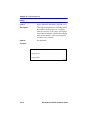
SNMP TRAPS
The SNMP Traps screen provides display and configuration access to the
table of IP addresses used for trap destinations and associated community
names. For details, refer to Section 5.9.
CHASSIS ENVIRONMENTAL
The Chassis Environmental screen provides access to chassis power
supply status, power supply redundancy status and chassis fan tray status.
For details, refer to Section 5.10.
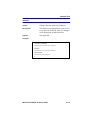
PORT REDIRECT FUNCTION
The Port Redirect Function screen allows the user to redirect traffic from
one or multiple modules and ports in the chassis to a specific destination
module or port. For details, refer to Section 5.11.
5-14
6E123-50 and 6E133-49 User’s Guide