1
menu
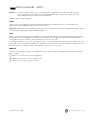
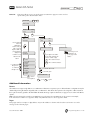
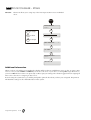
Function:
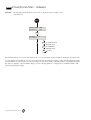
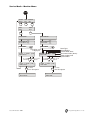
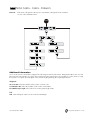
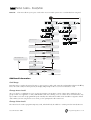
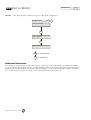
SERVICE MODE - TEST
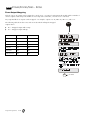
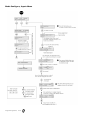
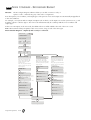
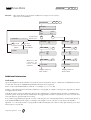
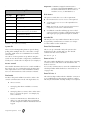
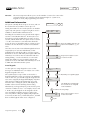
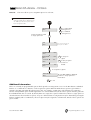
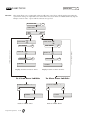
This menu allows you to walktest the zones and doors on the system.
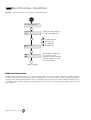
Additional Information
Testing a zone/door
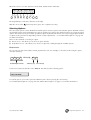
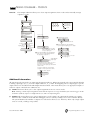
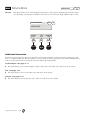
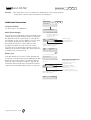
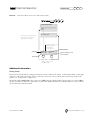
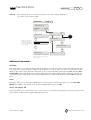
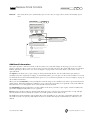
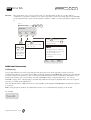
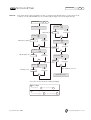
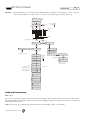
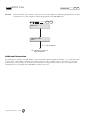
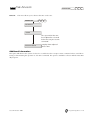
The left hand side of the top line of the display shows the zone/door to be tested, while the result of the last zone
tested is to the right. The node and input to which it is assigned are displayed on the bottom line.
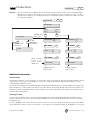
To help identify the location of the zone/door, press the Help key to display the zone description (if one exists). In door
walktest, the door description will be displayed on the bottom line of the display (if one exists), otherwise the door
number and zone type assigned will be displayed.
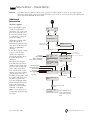
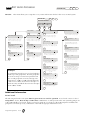
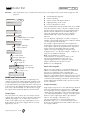
The system will start by requesting the first online zone on the system to be tested and then work in ascending
numerical order until the last zone on the system is tested.
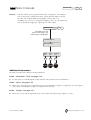
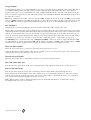
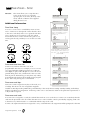
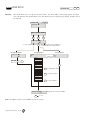
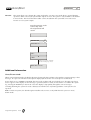
The message TEST 1 will remain in the display until the system detects a change from zone 1. While waiting for this
change, all other zone changes are displayed and noted by the system. This is so that when their turn in the numerical
sequence comes, it will be unnecessary to walktest those zones again (the system skips to the next zone which has not
changed state since the start of the test).
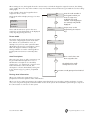
Whilst the panel is displaying TEST, you can view the zone description for the zone in question by pressing the Help
key.
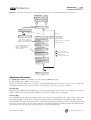
If a zone cannot be tested for some reason, you can skip it by pressing the # key.
Printout
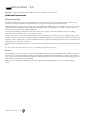
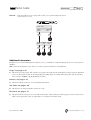
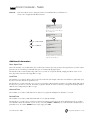
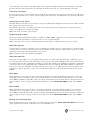
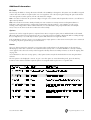
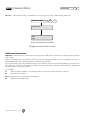
When Walktest is chosen, a printout is started which displays information about the walktest. First, the time and date of
when the test started is printed along with any zone which is skipped. When the walktest is complete, the number of
zones correctly tested are printed along with the number which were not tested. The final line of the printout gives the
time and date at which the test was finished.
Note If a zone is inhibited or disabled, it will only be reported in the display when it is the zone currently being
tested.
Programming Menus 2-32