1
CD-SW300H
CD-SW330H
1
2
3
4
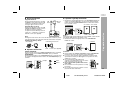
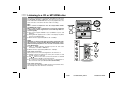
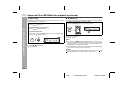
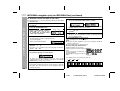
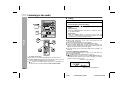
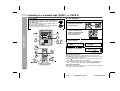
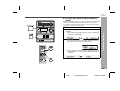
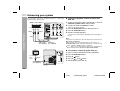
Play back the desired sound source.
Press the CLOCK/TIMER button.
Within 10 seconds, press the
or
button to select
“SLEEP”, and press the
MEMORY button.
Press the
or
button to select the time.
(Maximum: 3 hours - Minimum: 1 minute)
3 hours - 5 minutes 5-minute intervals
5 minutes - 1 minute 1-minute intervals
5
Press the MEMORY button.
“SLEEP” will appear.
6
The unit will enter the power stand-by mode automatically
after the preset time has elapsed.
The volume will be turned down 1 minute before the sleep
operation finishes.
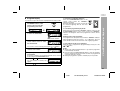
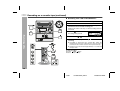
To confirm the remaining sleep time:
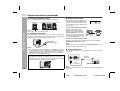
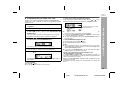
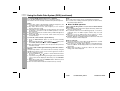
1 Whilst “SLEEP” is indicated, press the CLOCK/TIMER button.
2 Within 10 seconds, press the
or
button to select
“SLEEP X : XX”.
“X : XX” is remaining sleep time.
The remaining sleep time is displayed for about 10 seconds.
You can change the remaining sleep time whilst it is displayed by
pressing the MEMORY button.
To cancel the sleep operation:
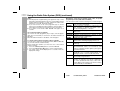
Press the ON/STAND-BY button whilst “SLEEP” is indicated.
To cancel the sleep operation without setting the unit to the stand-by
mode, proceed as follows.
1 Whilst “SLEEP” is indicated, press the CLOCK/TIMER button.
2 Within 10 seconds, press the
or
button to select
“SLEEP OFF”, and press the MEMORY button.
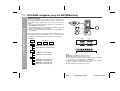
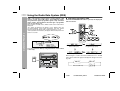
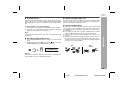
To use timer and sleep operation together
Sleep and timer playback:
For example, you can fall asleep listening to the radio and wake up
to CD in the next morning.
Sleep and timer recording:
For example, you can fall asleep listening to the CD and record radio
programmes whilst sleeping.
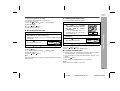
1
2
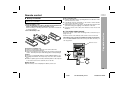
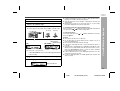
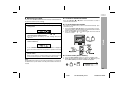
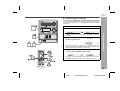
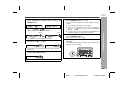
Set the sleep time (see left, steps 1 - 5).
Whilst the sleep timer is set, set the timer playback or recording
(steps 2 - 10, pages 38 - 39).
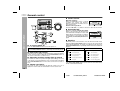
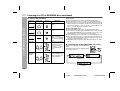
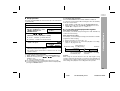
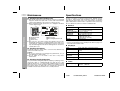
Sleep timer setting
Timer playback or
recording setting
1 minute - 3 hours
Sleep operation will
automatically stop.
End time
Desired time
Advanced Features
Sleep operation
The radio, CD, MP3/WMA disc and cassette tape can all be turned
off automatically.
Timer playback or recording
start time
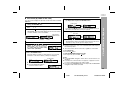
Caution:
When using the cassette deck, be sure the tape length is long
enough to perform both functions. If you want to sleep and wake up
listening to a tape, and the length of the tape is shorter than the sleep
timer setting, timer playback or recording will not be possible.
41
1/3/07
CD-SW330HE_EN.fm
TINSZA165AWZZ