1
1500/1502 Barcode Scanner User Guide
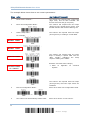
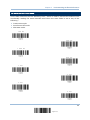
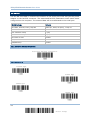
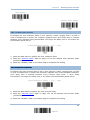
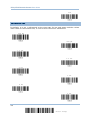
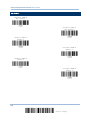
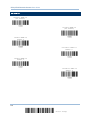
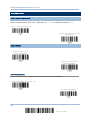
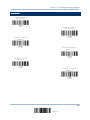
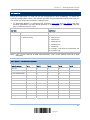
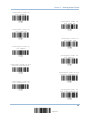
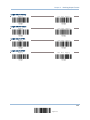
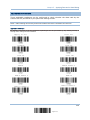
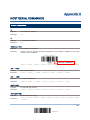
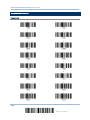
UPC-A
J
A
A
A
E
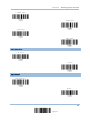
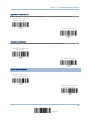
MSI
V
V
D
P
M
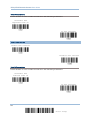
Plessey
W
W
E
Q
P
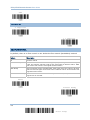
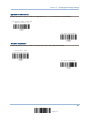
Telepen
Z
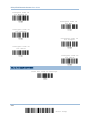
---
---
---
---
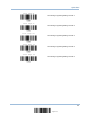
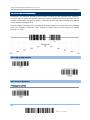
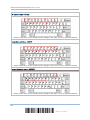
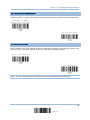
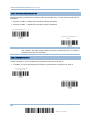
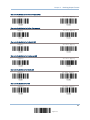
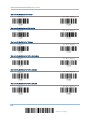
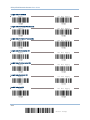
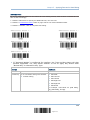
Apply Code ID Set 1
Apply Code ID Set 2
Apply Code ID Set 3
Apply Code ID Set 4
Apply Code ID Set 5
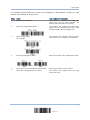
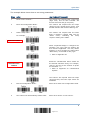
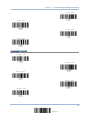
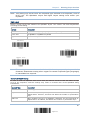
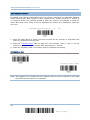
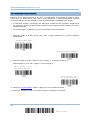
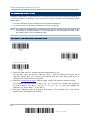
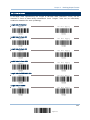
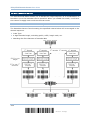
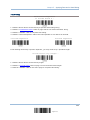
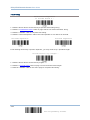
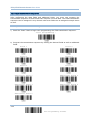
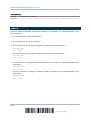
4.4.2 CHANGE CODE ID
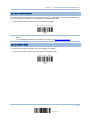
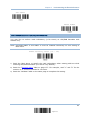
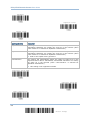
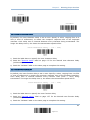
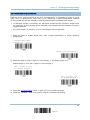
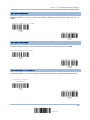
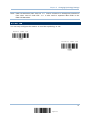
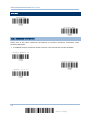
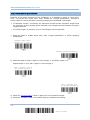
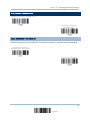
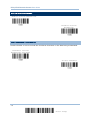
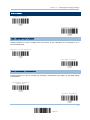
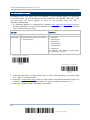
1) Read the label of a specific symbology below to change its code ID.
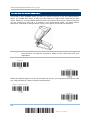
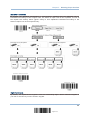
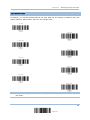
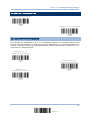
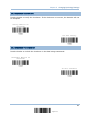
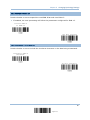
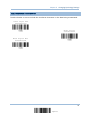
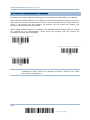
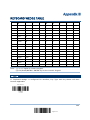
2) Read the “Hexadecimal Value” label on page 138 for the desired character string. For
example, read “4” and “4” for applying the character [D] for Code ID.
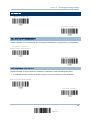
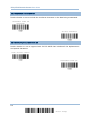
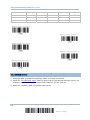
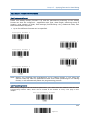
3) Read the “Validate” label to complete this setting.
98
Enter Setup