1
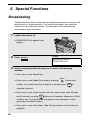
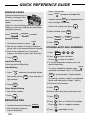
Broadcasting
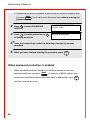
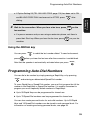
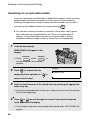
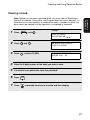
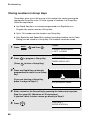
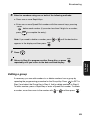
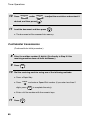
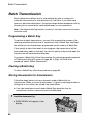
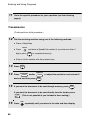
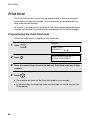
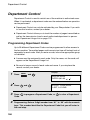
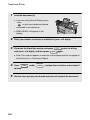
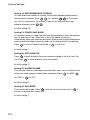
Note: If you need to delete a number, press
appears in the display and then press
4
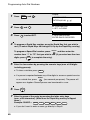
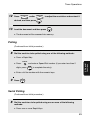
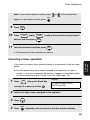
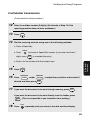
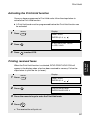
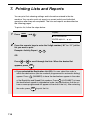
Press
5
If desired, press
contrast.
6
Press
START/
ENTER
START/
ENTER
STOP
or
until the destination
.
BROADCAST MODE
SELECT THE MODE
.
RESOLUTION
and/or
CONTRAST
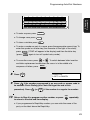
to set the resolution and
twice. Transmission will begin.
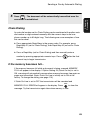
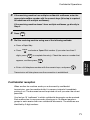
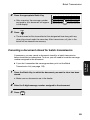
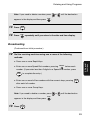
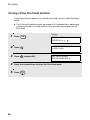
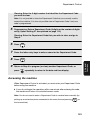
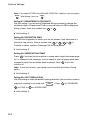
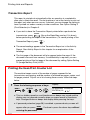
• A Transaction Report is automatically printed out after Broadcasting is
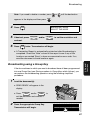
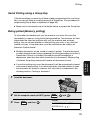
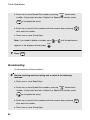
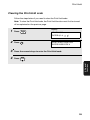
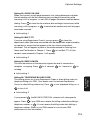
Broadcasting using a Group Key
If the fax machines to which you want to broadcast have all been programmed
into one Group Key (see Storing numbers in Group Keys which follows), you
can perform the broadcasting operation using the following simplified
procedure:
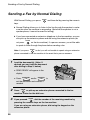
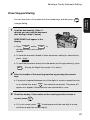
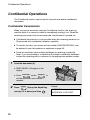
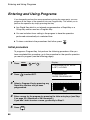
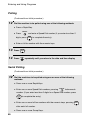
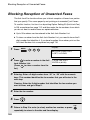
1
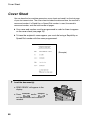
Load the document(s).
• SEND READY will appear in the
display.
• Press
RESOLUTION
and/or
CONTRAST
to
set the resolution and contrast if
needed.
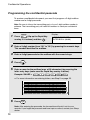
2
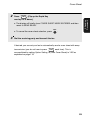
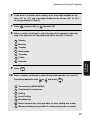
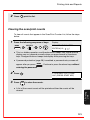
Press the appropriate Group Key.
Transmission will begin.
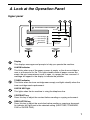
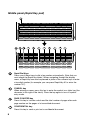
01
Q / !
11
SYMBOL
21
Caps Lock
31
SHIFT
02
03
W / "
12
04
E / #
13
A / |
22
23
Z / <
32
24
/ / \
06
Y / &
16
F
34
; / :
26
V
35
09
I / (
18
H / }
27
B
Space
08
U / '
17
G / {
25
C
07
T / %
15
D
X / >
33
/ ^
05
R / $
14
S
28
N / *
36
29
L / +
30
@
38
-
P / =
20
K / ]
M / ?
37
_
10
O / )
19
J / [
. / ,
.com
39
DEL
67
5. Special
Functions
completed. Check the "Note" column of the report to see if any of the
locations are marked "Busy" or have a communication error code. If so,
send the document to those locations again.