1
31-24
Chapter 31: Wave Reports
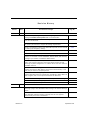
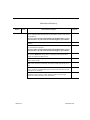
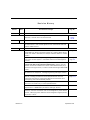
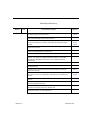
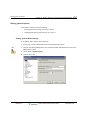
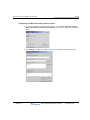
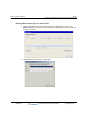
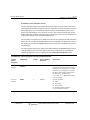
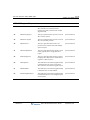
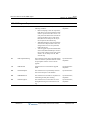
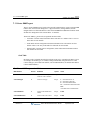
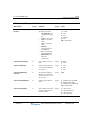
Downloading system reports
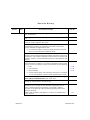
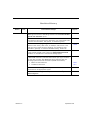
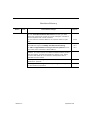
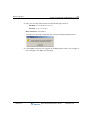
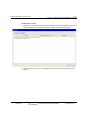
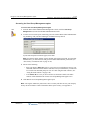
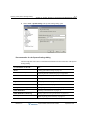
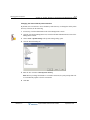
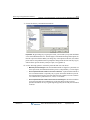
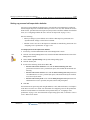
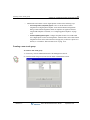
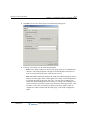
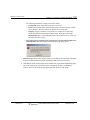
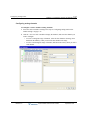
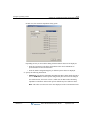
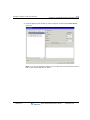
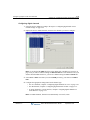
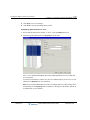
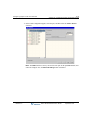
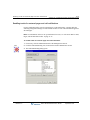
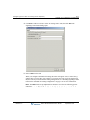
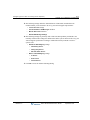
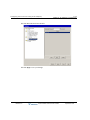
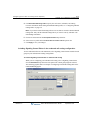
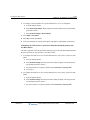
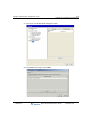
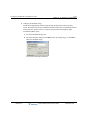
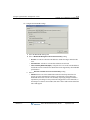
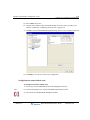
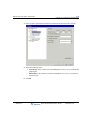
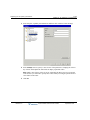
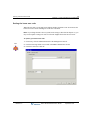
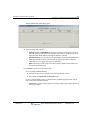
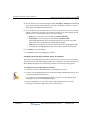
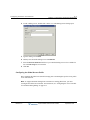
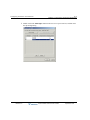
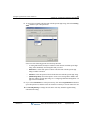
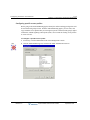
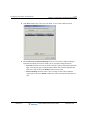
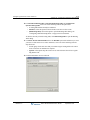
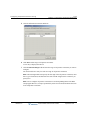
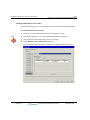
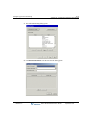
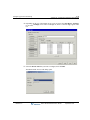
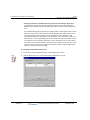
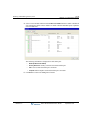
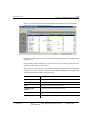
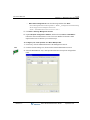
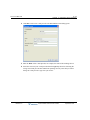
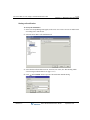
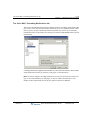
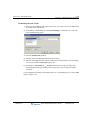
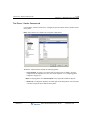
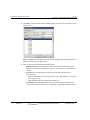
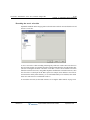
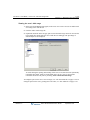
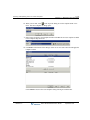
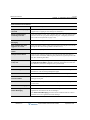
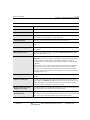
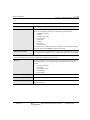
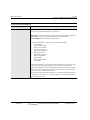
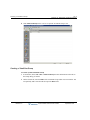
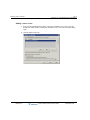
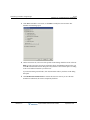
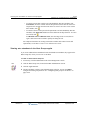
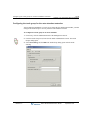
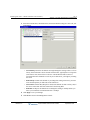
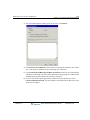
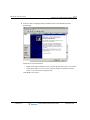
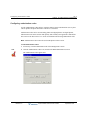
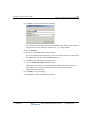
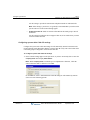
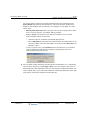
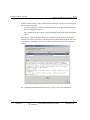
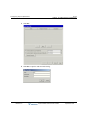
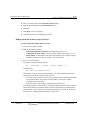
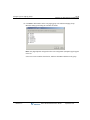
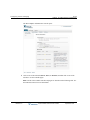
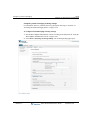
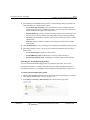
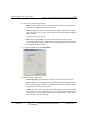
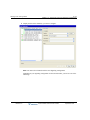
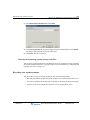
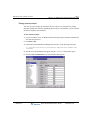
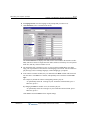
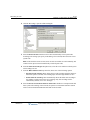
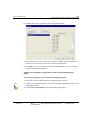
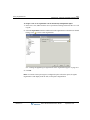
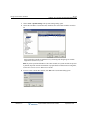
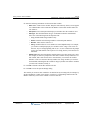
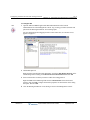
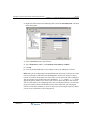
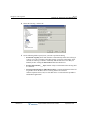
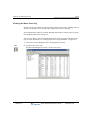
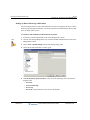
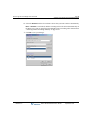
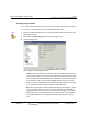
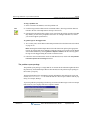
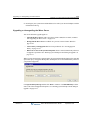
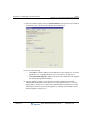
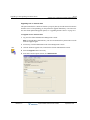
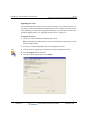
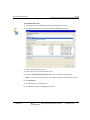
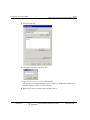
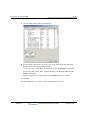
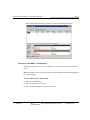
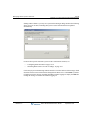
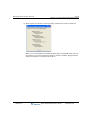
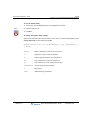
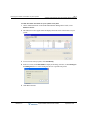
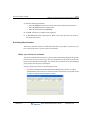
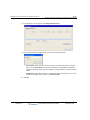
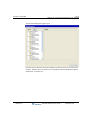
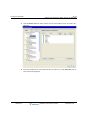
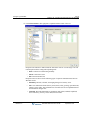
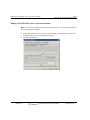
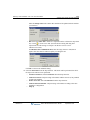
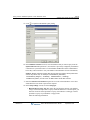
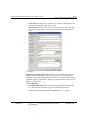
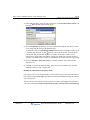
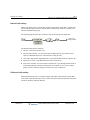
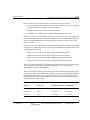
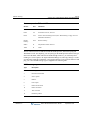
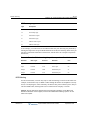
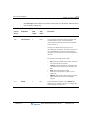
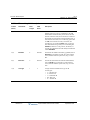
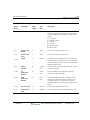
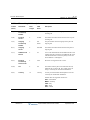
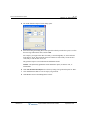
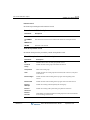
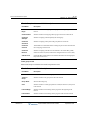
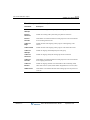
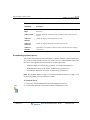
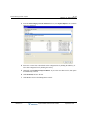
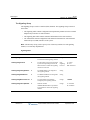
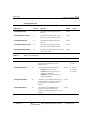
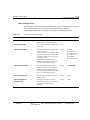
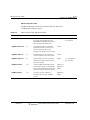
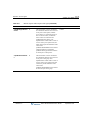
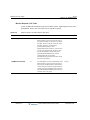
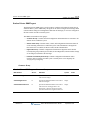
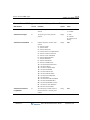
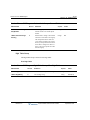
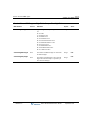
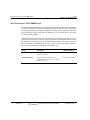
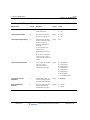
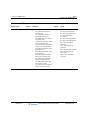
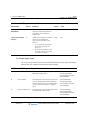
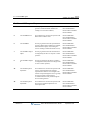
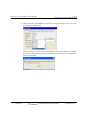
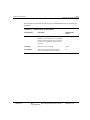
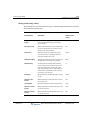
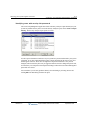
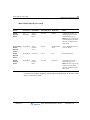
3 From the Select category of file to download list box, select System Reports. The available
reports are displayed.
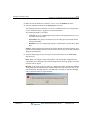
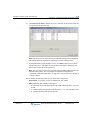
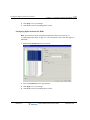
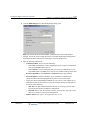
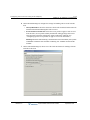
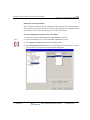
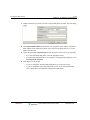
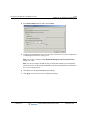
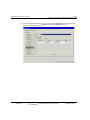
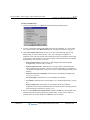
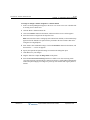
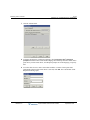
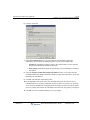
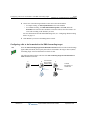
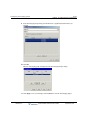
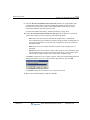
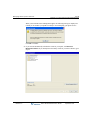
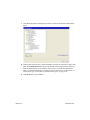
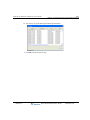
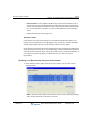
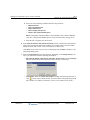
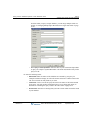
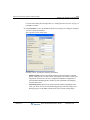
4 Select one or more files to download. Select contiguous files by holding the Shift key, or
select non-contiguous files by holding the Ctrl key.
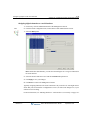
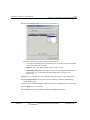
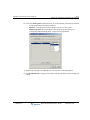
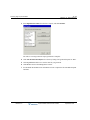
5 Optionally, click Compress file(s) into ZIP file. If you select more than one file, this option
is automatically selected.
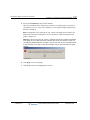
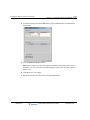
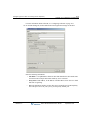
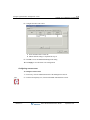
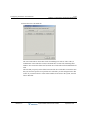
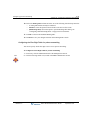
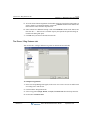
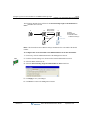
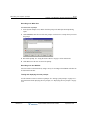
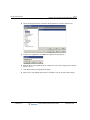
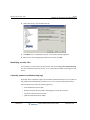
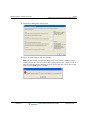
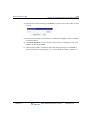
6 Click Download, and save the file.
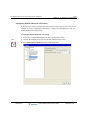
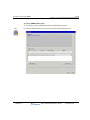
7 Click Done to return to the Management Console.
Release 2.0
Wave Global Administrator Guide
September 2010