1
22-13
Chapter 22: Monitoring and Maintenance
Using the Call Log view
•
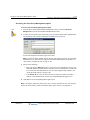
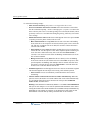
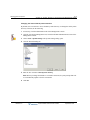
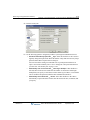
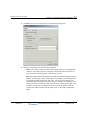
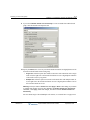
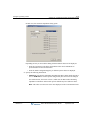
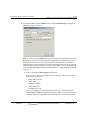
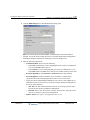
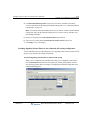
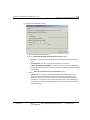
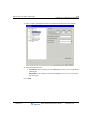
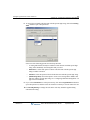
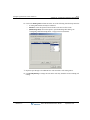
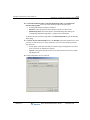
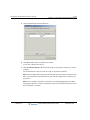
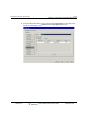
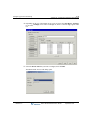
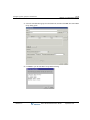
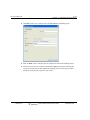
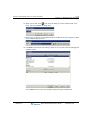
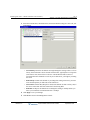
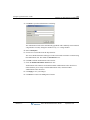
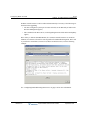
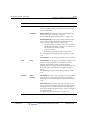
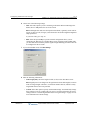
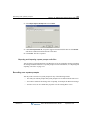
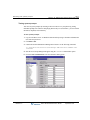
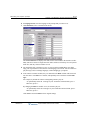
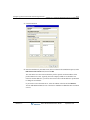
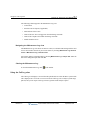
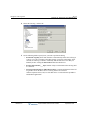
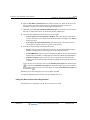
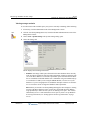
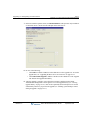
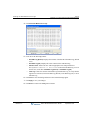
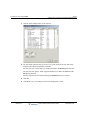
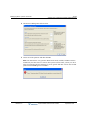
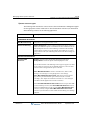
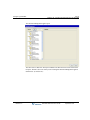
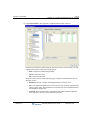
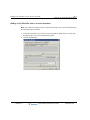
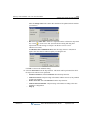
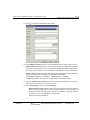
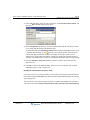
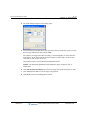
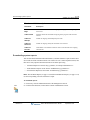
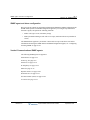
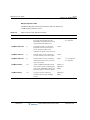
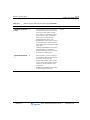
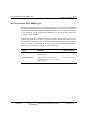
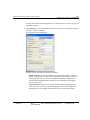
Overwrite archive every ___ days. Number of days that archived information will be
appended to the Call Log archive file. After that number of days, archived
information in the file will be deleted and the file will be reused.
•
Archive will be overwritten on. Date and time that the Call Log archive file will next
be overwritten and the data in it deleted. To preserve the archived data, back up the
file just before it will be overwritten.
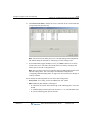
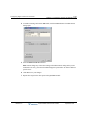
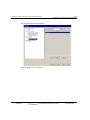
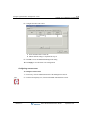
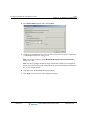
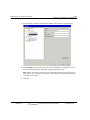
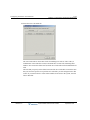
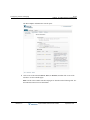
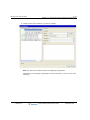
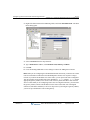
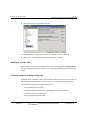
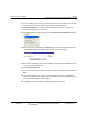
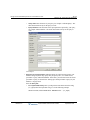
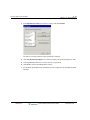
6 Click Archive Now to manually archive the Call Log according to the settings specified
above. The archive begins immediately and may take several minutes to complete. You can
perform a manual archive at any time whether or not automatic archiving is turned on.
Note: You cannot perform any other Global Administrator functions until the archive
completes.
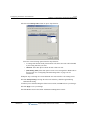
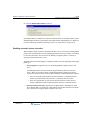
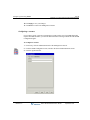
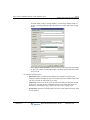
7 Click OK to save your archiving settings.
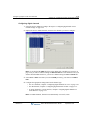
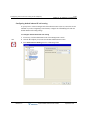
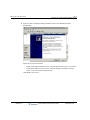
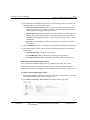
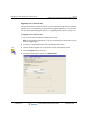
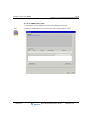
Note: Use the Import and Export Wizard (see “Exporting the Call Log” on page 22-14) to create
a file containing Call Log information without removing the information from the database.
Release 2.0
Wave Global Administrator Guide
September 2010