1
150
Using the address book
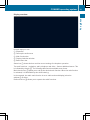
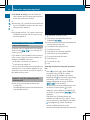
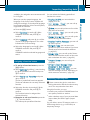
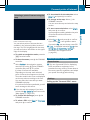
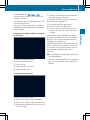
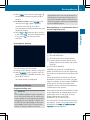
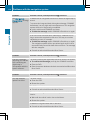
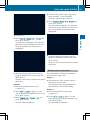
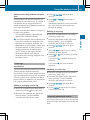
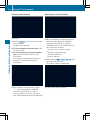
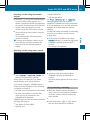
RReceived
Business Cards
All
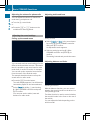
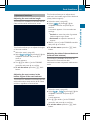
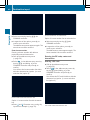
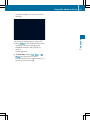
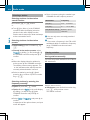
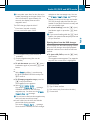
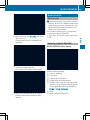
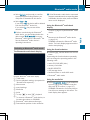
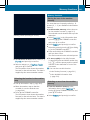
A prompt corresponding to your selection
appears.
X Select Yes or No and press W to confirm.
If you select Yes
Yes, the contacts are deleted
according to your selection.
If you select No
No, the process will be
canceled.
RDelete
Telephone
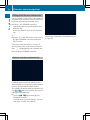
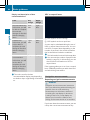
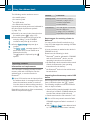
Switching importing of contacts on/off
Proceed as follows if you do not want to save
sensitive contacts in the address book:
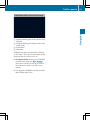
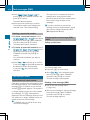
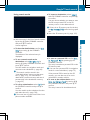
Connect the mobile phone to COMAND.
Contacts are automatically downloaded to
the address book.
X Delete sensitive contacts in the address
book.
X Switch off the Import Contacts from
<My Phone> function ª.
The next time you connect your mobile
phone to COMAND, no more contacts will
be downloaded, not even newly-added
contacts.
X
Switching the display of contact details
(privacy) on/off
You can choose whether contacts are
automatically downloaded when a mobile
phone is connected to COMAND, or whether
the automatic download is suppressed.
Connecting a mobile phone (Y page 122)
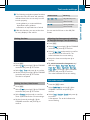
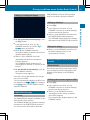
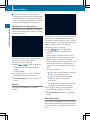
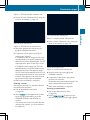
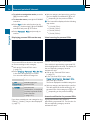
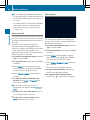
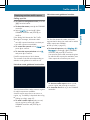
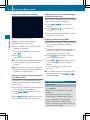
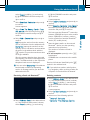
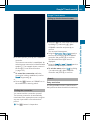
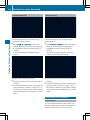
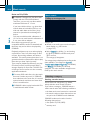
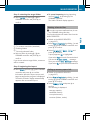
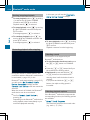
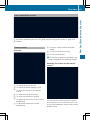
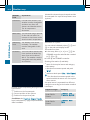
X Select Phone in the telephone basic menu
by sliding VÆ and turning cVd the
COMAND controller and press W to
confirm.
A menu appears.
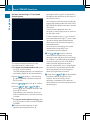
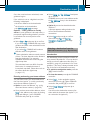
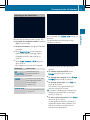
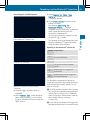
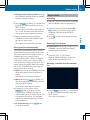
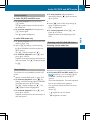
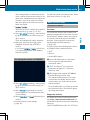
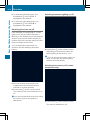
X Select Import Contacts from <My
Phone> and press W to confirm.
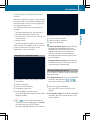
You can allow O or suppress ª the
automatic download.
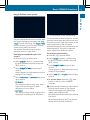
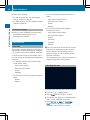
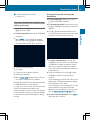
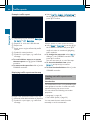
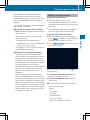
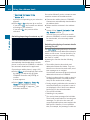
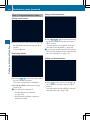
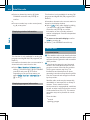
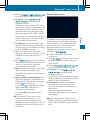
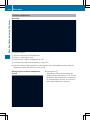
The Hide Data setting allows you to decide
whether telephone and address book data is
visible on the screen. You can therefore, for
example, prevent a passenger from seeing
the name of a caller.
Activating the function has the following
effects:
RThe
mobile phone's phone book and
address book data are hidden. They can
therefore not be used to make calls, send
text messages or to navigate.
You still have access to the phone book and
address book stored on COMAND.
RDuring incoming calls, the caller's name is
not displayed if there is an address book
entry for the number that is calling.
RDuring outgoing calls where the number is
entered manually, the recipient's name is
not displayed, even if there is an address
book entry for the entered number.
RThe call list is hidden.
RRedialing is not possible.
RThe received text messages list is hidden.
There is still a notification for incoming text
messages. For this to be the case, the
connected mobile phone must support the
MAP profile. However, it is not possible
that, for example, the passenger could see