1
Navigation Operation
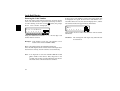
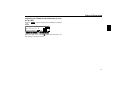
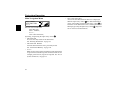
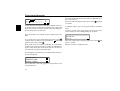
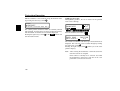
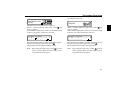
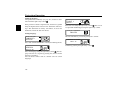
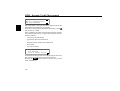
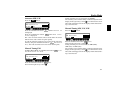
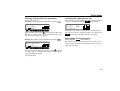
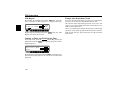
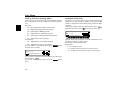
To confirm the entry, press and hold the right-hand rotary
control
for more than 2 seconds. To confirm, the small
tick
can also be selected and the right-hand rotary
control
pressed briefly.
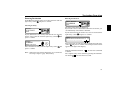
Route Menu
# !!
DF
" Y
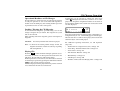
Note:
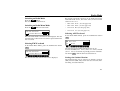
If the coordinates entered are located beyond the
boundaries of the digital map, a message will
appear notifying you of this. The system cannot
navigate to a position beyond the boundaries of
the digital map.
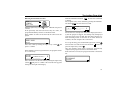
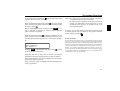
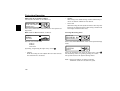
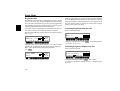
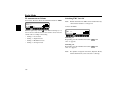
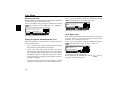
The navigation system will now prompt you to enter a name
for the coordinates entered.
Enter a name as described in ”Entering a Destination in the
Destination Memory” on page 102.
The program then switches to the Route menu.
Route guidance can now start.
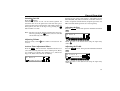
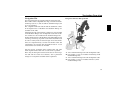
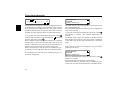
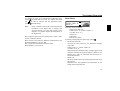
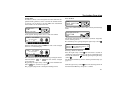
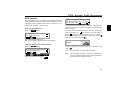
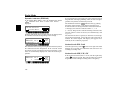
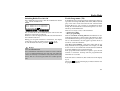
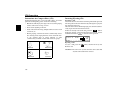
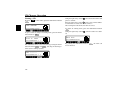
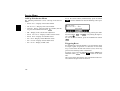
Selection can be made from
# !! ,
!!p !Y , !!p !Y
or
!!p&YY )
" Y ,
"! !!
by turning, and pressing the right rotary control
•
.
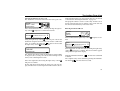
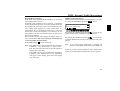
# !!
Accesses the entry menu for the destination memory
(page 102).
•
!!p !Y , !!p !Y
or !!p&YY
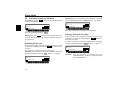
Starts Navigation. Simultaneously, a prompt appears indicating the currently selected route option (p ! Y for
shortest route, p !Y for fastest route and p&YY
for Dynamic Route)
•
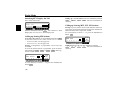
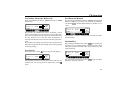
" Y
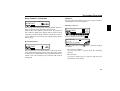
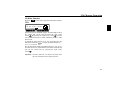
The house number in the specified destination road can be
entered here.
This function is only possible if the information is contained on the Navigation CD
99