1
User Menu
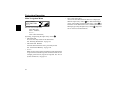
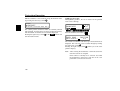
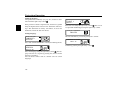
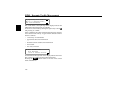
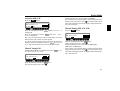
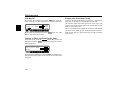
Display Compass
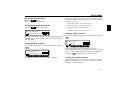
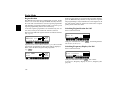
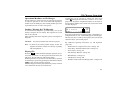
Signal Tone Volume
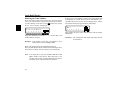
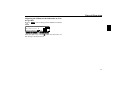
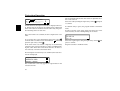
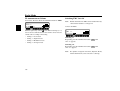
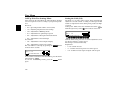
When the Route Guidance is not active, a compass can be
shown on the right side of the display.
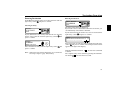
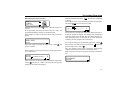
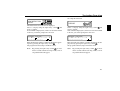
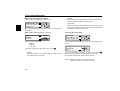
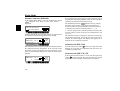
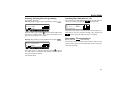
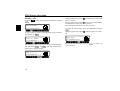
To set, call up User Menu. By pressing the multifunction button SM , call up the 2nd level of the User Menu. Using the
multifunction button 47 select either :/6> *647(::
(Compass is displayed) and /0+,*647(:: (Compass is not
displayed).
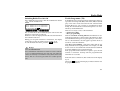
If the compass display is switched off and Route Guidance is
not currently active, radio station abbreviations can be assigned to 9 multifunction buttons in FM - DAS mode.
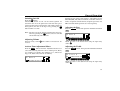
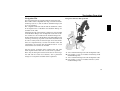
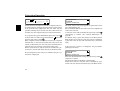
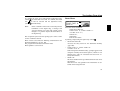
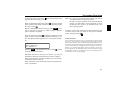
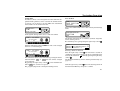
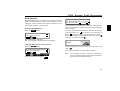
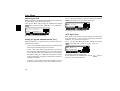
With this function, the volume of signal tones (e.g. storage
confirmation) can be set.
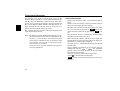
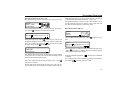
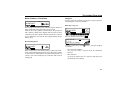
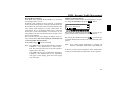
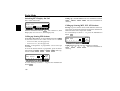
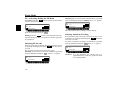
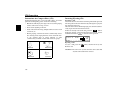
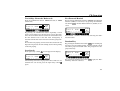
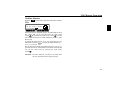
To adjust, call up User Menu. By pressing the multifunction
button SM , call up the 2nd level of the User Menu. Press
the multifunction button ,# . With the right rotary
control
select either (Quiet) or R (Loud).
0%,4 ,*-00
47,#
""-,)FAQ
47,#
3,9;,,7
LS
The setting is stored automatically.
LS
The setting is stored automatically.
147