1
General Operation
General Operating Instructions
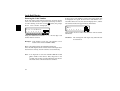
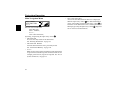
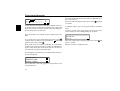
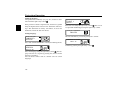
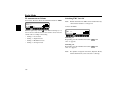
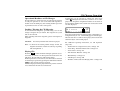
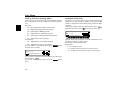
Switching On/ Off
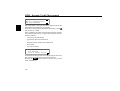
Press the 21 button.
Alternatively, switch on/ off: via the vehicle ignition. To
switch the unit on via the ignition, the unit must have previously been turned off via the ignition. After turning off the vehicle ignition, the unit can be kept on by pressing the 21
button within 3 seconds
Note: The unit can also be turned on without the vehicle ignition by pressing the 21 button, however will shut
off automatically after one hour.
Settings for bass, treble, fader, balance, and loudness for the
FM, AM (MW, LW, SW) wavebands, road traffic announcements, navigation announcements, telephone operation, CD,
MP3 and CDC/AUX operation are stored separately.
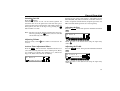
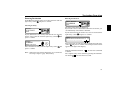
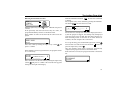
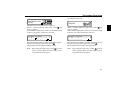
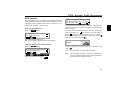
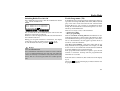
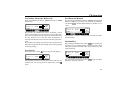
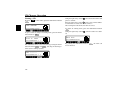
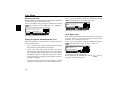
Adjusting the Bass
Press the
(: .
6281'
button.Then press the multifunction button
0 0 V (:!9) (+ (3 3; <) +5
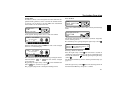
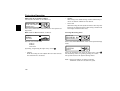
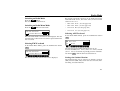
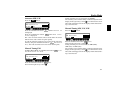
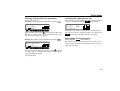
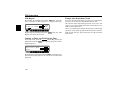
Adjusting Volume
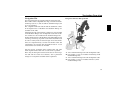
Turn left rotary control
creased.
. The volume is increased or de-
Adjust the bass to the desired level using the right rotary
control .
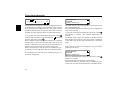
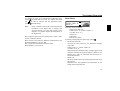
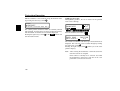
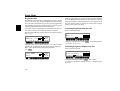
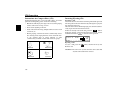
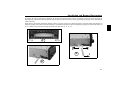
Activate Tone Adjustment Menu
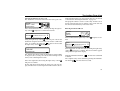
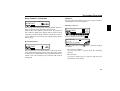
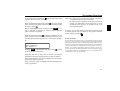
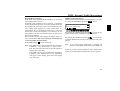
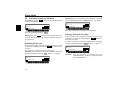
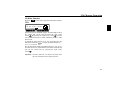
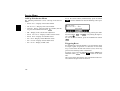
Adjusting the Treble
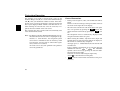
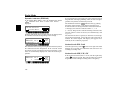
Press the 6281' button. The Tone Adjustment menu is activated. The following functions can be called up: (: (Bass),
! 9 ) (Treble), (+ (Fader), (3 (Balance), 3 ; (Linear Setting), <) (Subwoofer) and + 5 (Loudness).
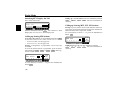
Press the
!9) .
0 0 V (:!9) (+ (3 3; <) +5
6281'
button. Then press the multifunction button
/ " ) " V (:!9) (+ (3 3; <) +5
Adjust the treble to the desired level using the right rotary
control .
85