1
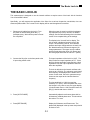
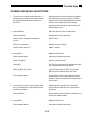
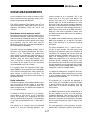
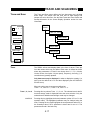
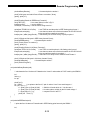
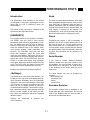
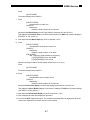
System Setup Menu
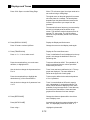
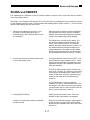
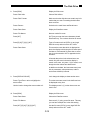
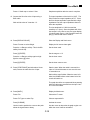
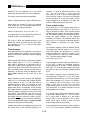
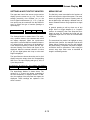
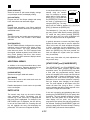
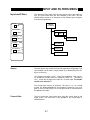
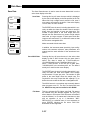
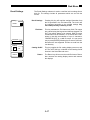
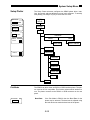
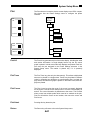
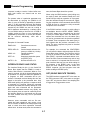
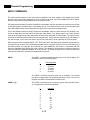
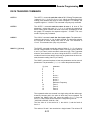
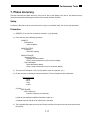
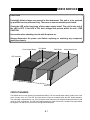
Plotter Addr.
Plotter Addr.
1
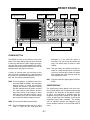
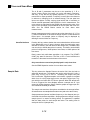
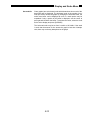
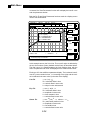
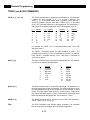
If the Plot Mode is GPIB, then the Plotter Address must
be set. The Plotter Address may be entered from the
keypad or by using the knob. The Plotter Address must
agree with the address of the plotter in use.
In this mode, the plotter must be the only device
attached to the SR850 GPIB interface.
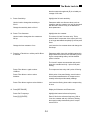
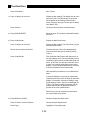
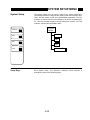
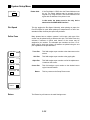
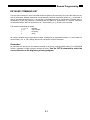
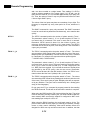
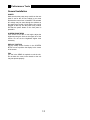
Plot Speed
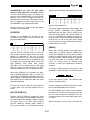
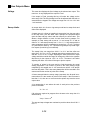
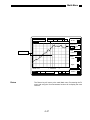
This key toggles the Plot Speed. Normally, when plotting on paper, the
Fast Plot Speed is used. When plotting on transparencies or other nonstandard media, the Slow plot speed may be better.
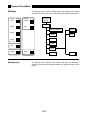
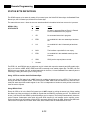
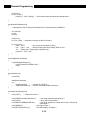
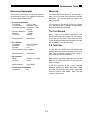
Define Pens
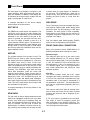
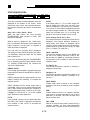
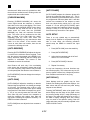
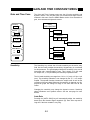
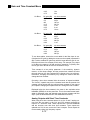
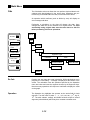
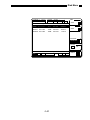
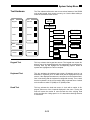
Many plotters have a multipen carousel. In this case, each part of the
screen may be plotted using a different color pen. The Define Pens key
activates a submenu in which each feature of the screen may be
assigned a pen number. The allowable pen numbers are from 1 to 6.
When using a single pen plotter, all features are plotted using the one
pen regardless of the pen definitions.
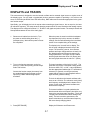
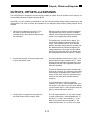
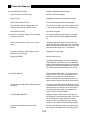
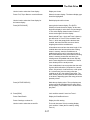
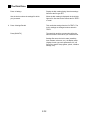
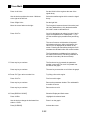
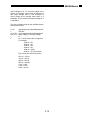
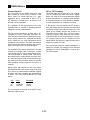
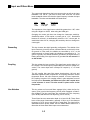
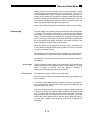
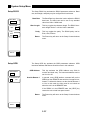
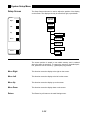
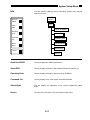
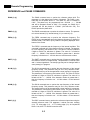
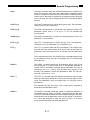
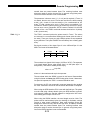
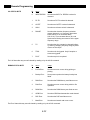
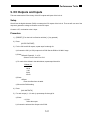
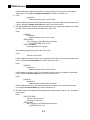
Trace Pen
Trace Pen
1
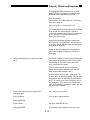
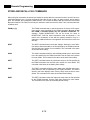
Grid Pen
1
Grid Pen
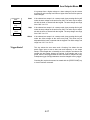
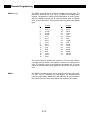
This field assigns a pen number to the data traces on the
screen.
This field assigns a pen number to the graph grids.
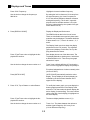
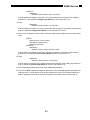
Alpha Pen
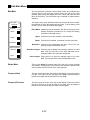
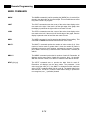
This field assigns a pen number to all of the alphanumeric labels on the screen.
Cursor Pen
This field assigns a pen number to the dashed cursor
region lines and marker.
Alpha Pen
1
Cursor Pen
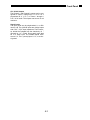
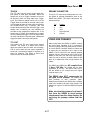
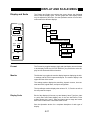
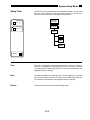
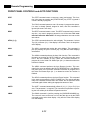
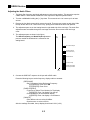
Return
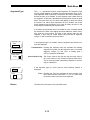
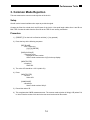
This key returns to the Setup Plotter menu.
1
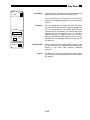
Return:
Return
The Return key will return to the main Settings menu.
5-56