1
Using local applications
Step by Step
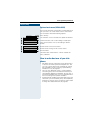
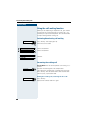
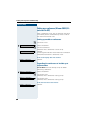
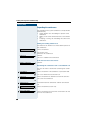
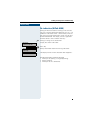
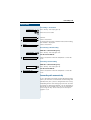
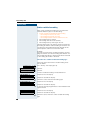
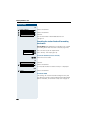
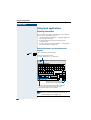
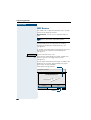
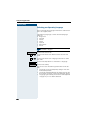
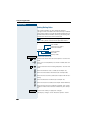
Selecting a Language for the External
Keyboard
Your optiPoint 600 office tries to automatically detect
the language type used by the external keyboard connected via USB Æ page 123. If this is not possible, you
can set the keyboard language manually.
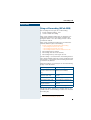
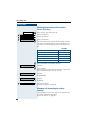
The following languages can be selected
(language group A):
• English UK
• English US
• German
• Spanish
• Italien
• French
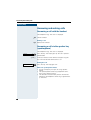
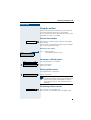
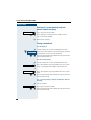
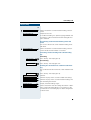
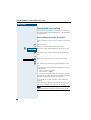
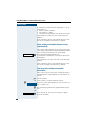
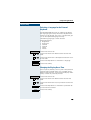
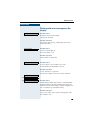
Service
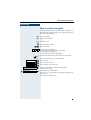
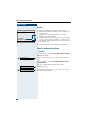
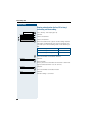
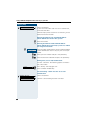
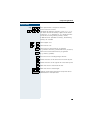
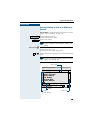
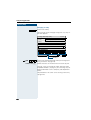
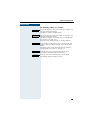
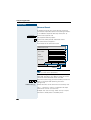
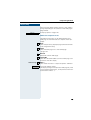
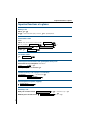
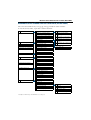
Click on the Service tab.
1 or : Click on the menu item "Phone control" or enter the
code.
4 or = Click on the menu item "USB keyboard selection" or enter the code.
Click on the drop-down list and choose a language.
Save
Click on the softkey.
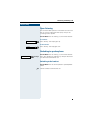
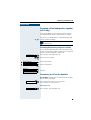
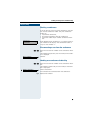
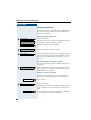
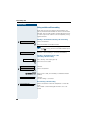
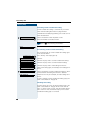
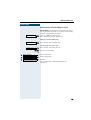
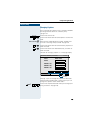
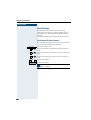
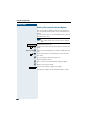
Changing the Display Reset Time
You can specify whether, and if so, after what period of
time the display should return to its standard setting
(Phone tab Æ page 16), switching off the display illumination, without any action by the user.
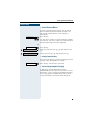
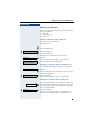
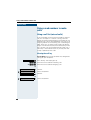
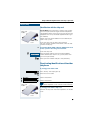
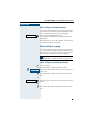
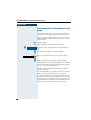
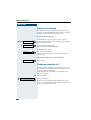
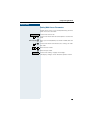
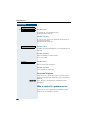
Service
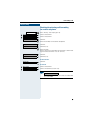
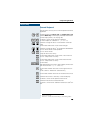
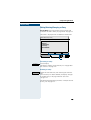
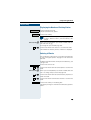
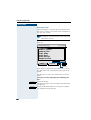
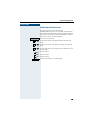
Click on the Service tab.
1 or : Click on the menu item "Phone control" or enter the
code.
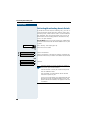
5 or > Click on the menu item "Inactivity timeout" or enter the
code.
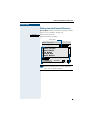
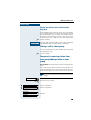
Click on the drop-down list and choose a period or deactivate the one selected.
Save
Click on the softkey.
149