1
RDI
DRIV ERS
FO R
THI RD
P AR TY
AR M
DEBUG GE RS
W I T H
J T A G J E T
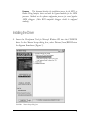
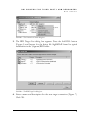
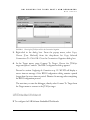
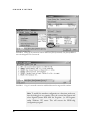
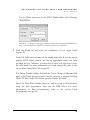
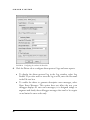
FIGURE 29 Configuring the emulator: the Driver tab.
5.
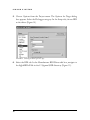
Click OK. In the Choose Target dialog box, click OK again to accept
your settings and connect to the target processor.
Multi Device Configuration
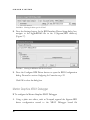
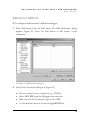
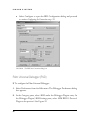
A multi-device JTAG daisy chain is configured using an ASCII text JTAG chain
configuration file with extension .cfg. With the exception of comment lines, each
line in a .cfg file refers to a separate device. Thus in general, the file format is as
follows:
ID1
ID2
.
.
.
etc.,
Device1
Device2
Description1
Description2
where
ID
Is a unique name identifying the device, e.g., "CPU_1",
including the double quotes.
27