1
Preparing Your Printer for Printing
Software Preparations for Printing
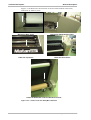
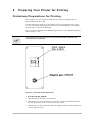
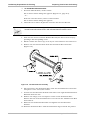
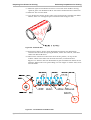
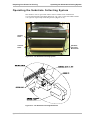
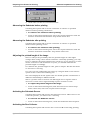
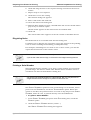
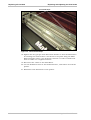
14. Push back both the LOCKING PINS.
15. Relocate the SUBSTRATE COLLECTING MECHANISM COVER by inserting it
into the two locating holes and gently pulling it downward.
Software Preparations for Printing
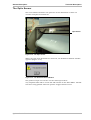
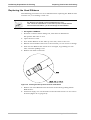
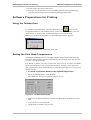
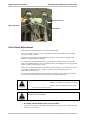
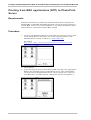
Using the Forward Icon
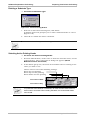
To advance the SUBSTRATE, click the FORWARD icon
. This action
brings the printer to the unload status, raises the PULLING ARM, runs the
main motor as well as that of the SUBSTRATE COLLECTOR ROLLER.
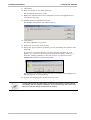
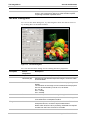
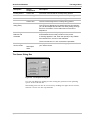
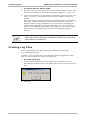
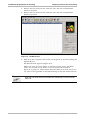
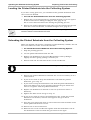
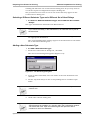
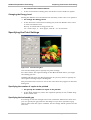
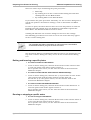
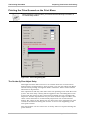
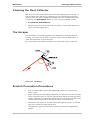
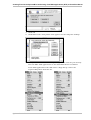
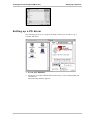
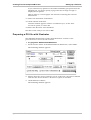
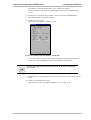
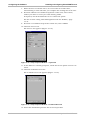
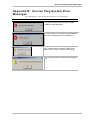
When you click the FORWARD icon, the following window appears.
To stop the SUBSTRATE advancing, click OK.
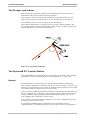
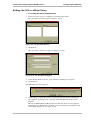
Setting the Print Head Temperatures
During the printing process, the PRINT HEADS’ temperature will naturally
increase. This increase will be controlled by the settings made for the AIR
COOLING unit (if installed).
Use WARM UP before you start a print run. Use COOL DN to reduce THE PRINT
HEAD temperatures to the required level before starting a new print run.
The temperature of the PRINT HEADS is controlled through the COOL DN and
WARM UP icons.
!
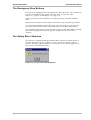
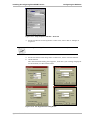
To warm up the Print Heads to the required temperature:
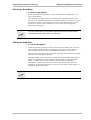
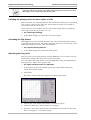
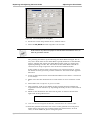
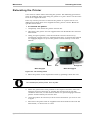
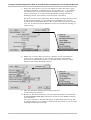
1. From the MAIN SCREEN, click WARMUP.
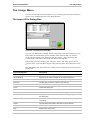
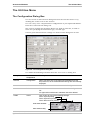
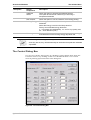
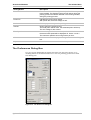
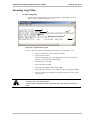
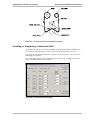
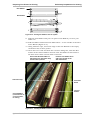
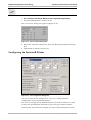
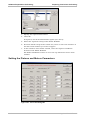
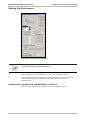
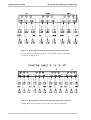
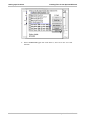
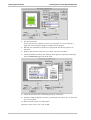
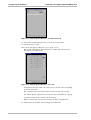
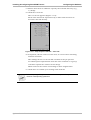
The WARM UP. dialog box appears (Figure 8-14).
Figure 8-14: The Warm Up Dialog Box
2. Select the required temperature from the REQUIRED TEMPERATURE spin
box.
3. Activate the COOLING SYSTEM.
4. Click START to initiate the process.
Sprinter User's Manual
8-13