1
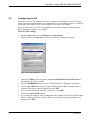
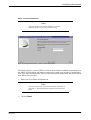
Configuring the modem
Note:
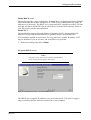
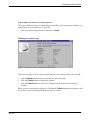
You have to enter your User name and Password exactly as
provided, i.e. distinguish between uppercase and lowercase
letters.
•
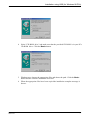
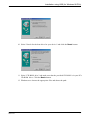
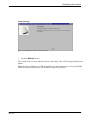
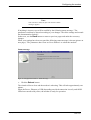
Click on Next.
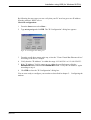
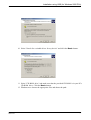
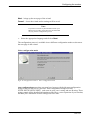
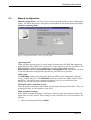
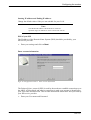
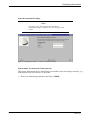
Alter the customized settings
Note:
This page is only shown if you ticked the "Make
customized settings?" checkbox on a previous page in the
wizard.
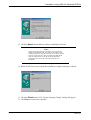
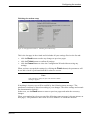
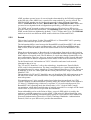
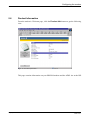
Figur 45: Configuration wizard - Alter the customized settings
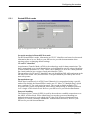
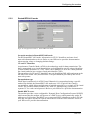
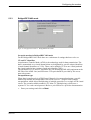
System name, Location and Contact person
The system information are for identifying your modem, when accessing it remotely, e.g.
with support from your ISP/service provider.
•
EN/LZT1083982 R4
2000-12-07
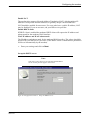
Enter your identifying parameters and click on Next.
47 (87)