1
Configuring the modem
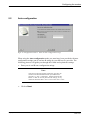
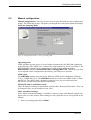
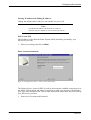
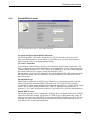
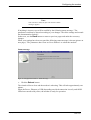
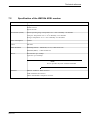
Enable NAT
The modem also supports Network Address Translation (NAT) which translates IP
addresses from private internal addresses to globally unique external addresses.
NAT should be enabled for most users. For users who have a public IP address, NAT
may be disabled. If you are not sure, ask your ISP/service provider.
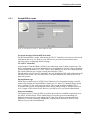
Enable DHCP client
If DHCP client is enabled the modems DHCP client will request the IP address and
subnet mask for the modems WAN interface.
WAN IP address and WAN subnet mask
The IP address and subnet mask for the modems WAN interface. The values should be
specified by your ISP/service provider. (If the DHCP client is enabled these parameters
will be set automatically by the modem).
•
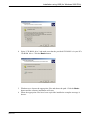
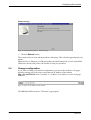
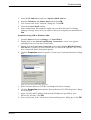
Enter your settings and click on Next.
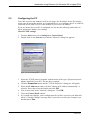
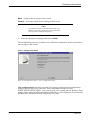
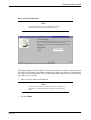
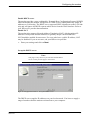
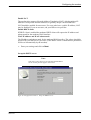
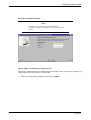
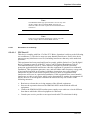
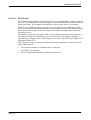
Set up the DHCP server
Note:
This page is only shown if you selected "Enable DHCP
server" on the previous page in the wizard.
Figur 49: Configuration wizard - Setup the DHCP server
EN/LZT1083982 R4
2000-12-07
51 (87)