1
11.3
System Administration Guide
Defining Service Groups
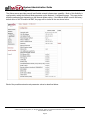
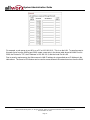
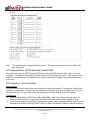
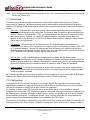
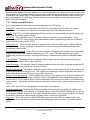
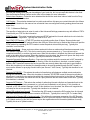
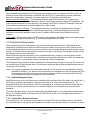
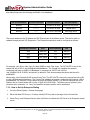
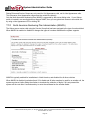
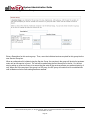
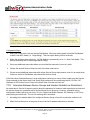
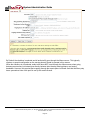
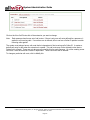
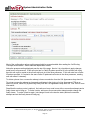
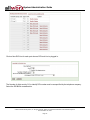
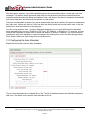
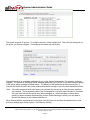
Enter a Description for this service group. Then, move the individual services required for this group into the
new Service Group box.
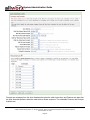
When an outbound call is initiated using the Service Group, the services in the group will be tried in top-down
order until an idle service is found. The call will be made using the first idle service in the list. So, the last
step in setting up a Service Group is to ensure that the order of the services reflects your preferred priority of
use. When one of the services in the group is a SIP proxy, the SIP proxy will continue to be considered idle
until its Maximum Active Calls setting has been reached.
300 Main Street • East Rochester, NY 14445 • Toll Free 1-866-ALLWORX • 585-421-3850 • www.allworx.com
© 2007 InSciTek Microsystems, Inc. All rights reserved. Allworx is a registered trademark of InSciTek Microsystems.
Revised: March 28, 2007
Page 46