1
Rockhopper II series printers – User’s Guide
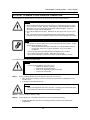
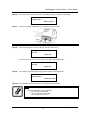
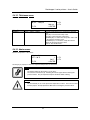
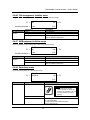
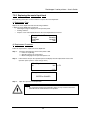
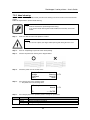
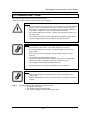
Notes :
•
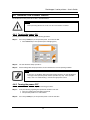
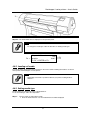
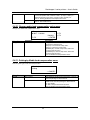
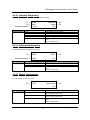
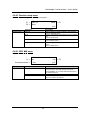
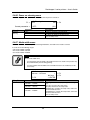
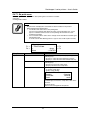
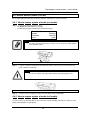
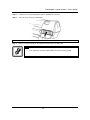
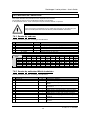
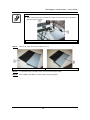
Dispose the used cutting blade; put it in a plastic bag in accordance with local
regulations or laws.
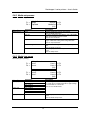
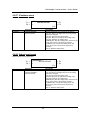
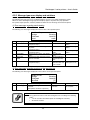
1. Cutting blade
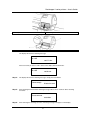
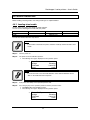
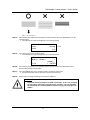
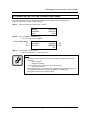
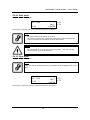
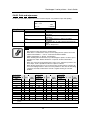
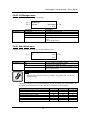
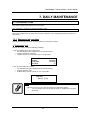
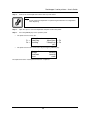
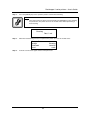
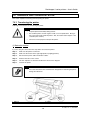
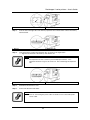
Step 7 :
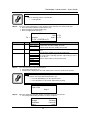
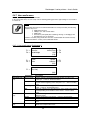
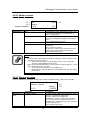
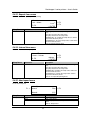
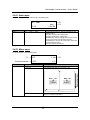
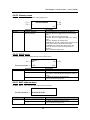
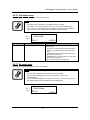
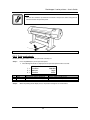
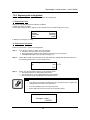
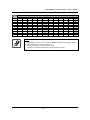
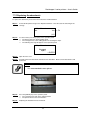
Insert the new cutter into the media cutting blade holder as shown below.
Notes :
•
Be sure not to let the spring incorporated in the cutter holder fly out.
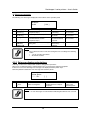
1. Cutting blade
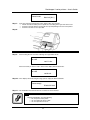
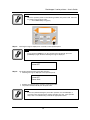
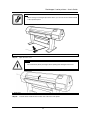
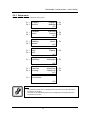
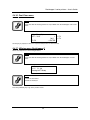
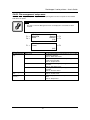
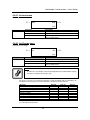
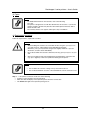
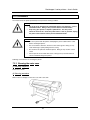
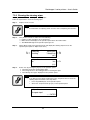
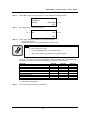
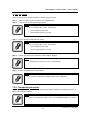
Step 8 :
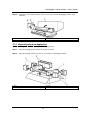
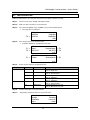
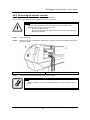
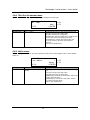
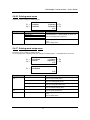
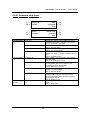
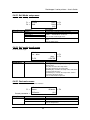
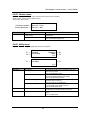
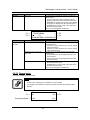
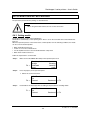
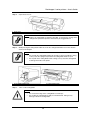
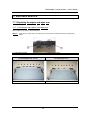
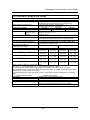
While slightly pressing the cutting blade holder tab, return the cutting blade lever to its original
position.
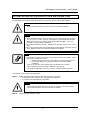
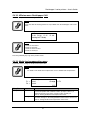
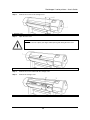
Notes :
•
Do not push the cutting blade holder tab strongly or release it suddenly. Doing
so may cause the spring incorporated in the cutting blade holder to fly off.
•
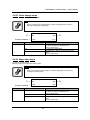
Do not push in the cutting blade holder. Doing so may cause the cutting blade
to damage the inside of the printer.
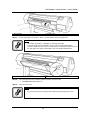
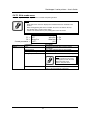
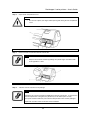
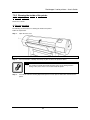
•
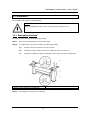
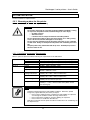
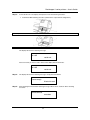
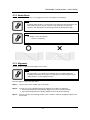
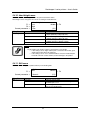
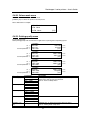
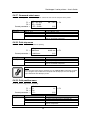
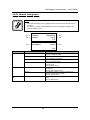
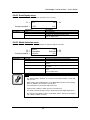
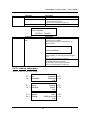
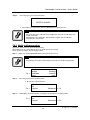
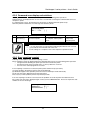
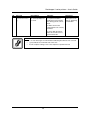
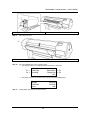
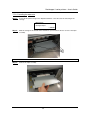
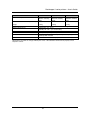
Attach the cutting blade holder lever correctly, referring to the diagram below. If
it is not attached correctly, errors may occur.
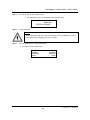
If an error occurs, make sure that the cutting blade holder lever is attached
correctly.
157
AP-75095, Rev. 2.1, 18/08/2005