1
Rockhopper II series printers – User’s Guide
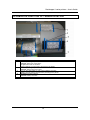
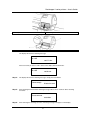
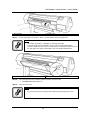
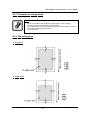
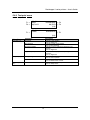
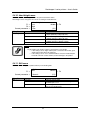
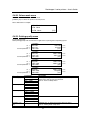
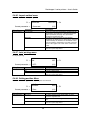
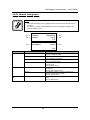
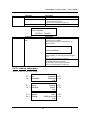
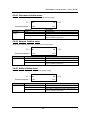
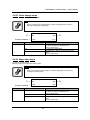
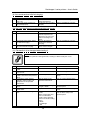
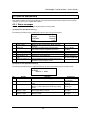
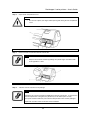
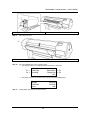
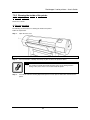
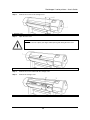
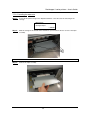
1. Screws
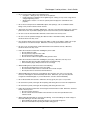
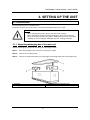
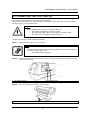
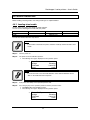
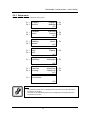
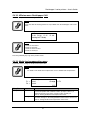
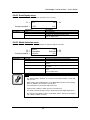
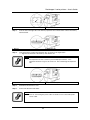
Step 3 :
2. Expansion memory cover
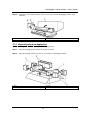
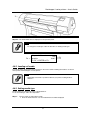
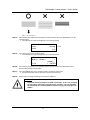
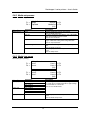
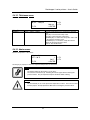
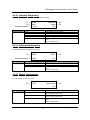
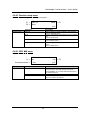
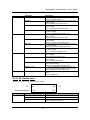
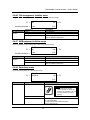
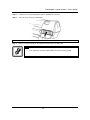
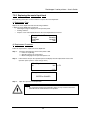
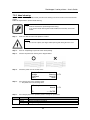
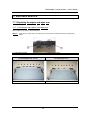
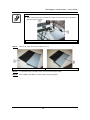
Push the tab on the right side of the memory expansion slot on the board to remove the memory
from the board.
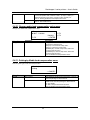
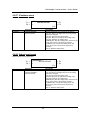
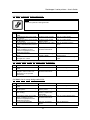
1. Memory
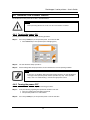
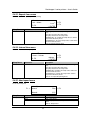
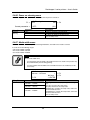
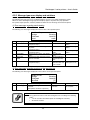
Step 4 :
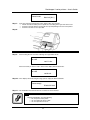
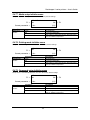
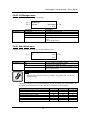
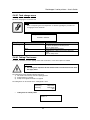
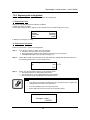
2. Expansion slot
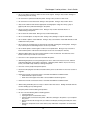
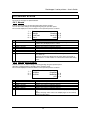
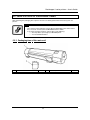
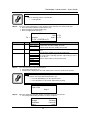
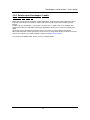
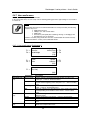
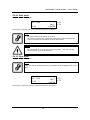
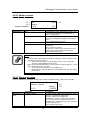
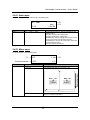
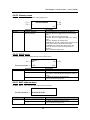
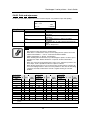
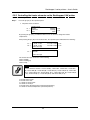
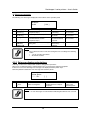
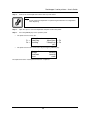
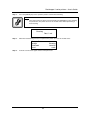
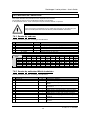
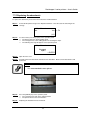
Insert the memory card into the expansion slot, as shown on the figure below.
¾ Align the notched side of the memory card with the slot.
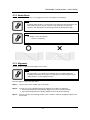
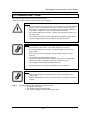
Notes :
•
The expansion slot has a feature to prevent improper insertions. If the
expansion slot does not go in, do not force it. This can damage the expansion
slot.
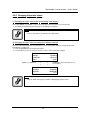
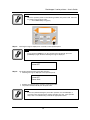
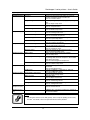
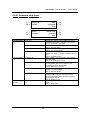
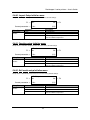
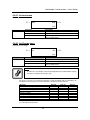
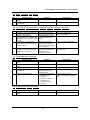
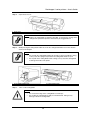
1. Expansion slot
2. Expansion memory
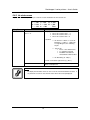
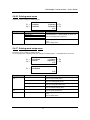
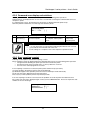
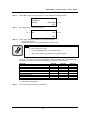
Step 5 :
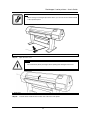
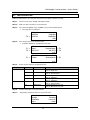
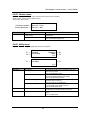
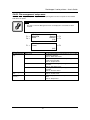
Reinstall the maintenance cover.
Step 6 :
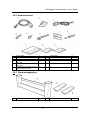
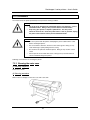
Connect the disconnected cables.
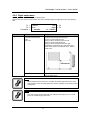
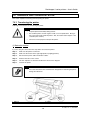
Notes :
•
Refer to "Connecting the power cable" for details on how to install the power
source cable.
185
AP-75095, Rev. 2.1, 18/08/2005