1
162
Vision Max Pro User Manual
Outside Ring Engraving
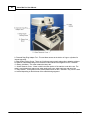
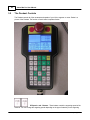
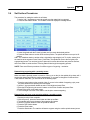
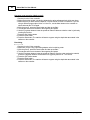
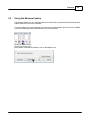
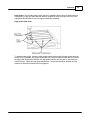
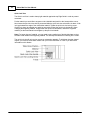
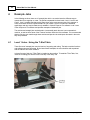
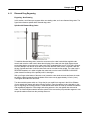
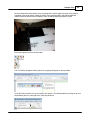
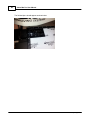
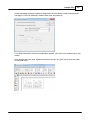
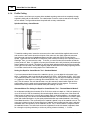
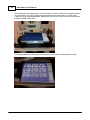
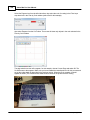
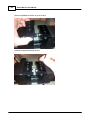
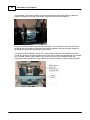
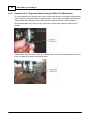
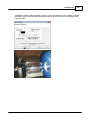
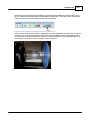
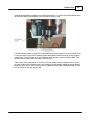
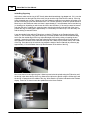
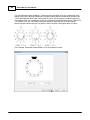
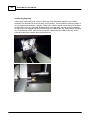
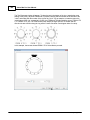
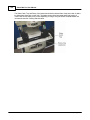
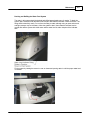
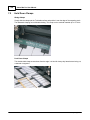
If the ring has a decorated area, use the Y Move keys on the Pendant to rotate the ring so that the
decoration is at the bottom of the chuck (the 6 o'clock position). This will locate the text on the bottom of
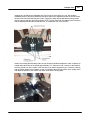
the ring, opposite the decoration. Using the Z Move keys, lower the spindle until the tool tip is just above
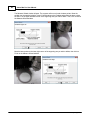
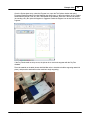
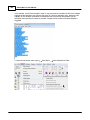
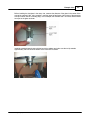
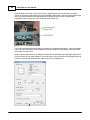
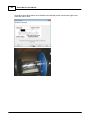
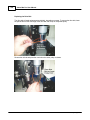
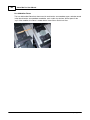
the top surface of the ring. Using the adjustment wheel, move the rotary vise and chuck/ring assembly
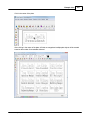
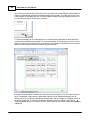
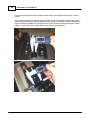
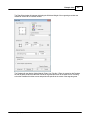
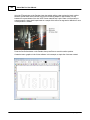
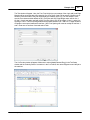
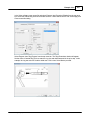
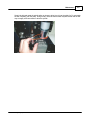
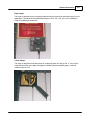
so that the tip of the diamond drag tool is centered over the middle of the ring, Then press the Set Home
Key on the Pendant. NOTE: Once the tool tip has been centered over the middle of the ring, do NOT
press the X Move keys until after the home has been set.
© 2014 Vision Engraving Systems