1
Alpha Radio Products
Product Release 1
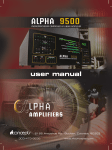
Alpha 9500 HF Linear Amplifier Operating Manual
Installation Overview
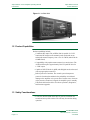
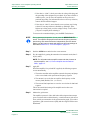
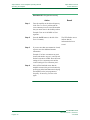
3.5 Connect the Cables
SEE . . .
Section 5.4, “Connect the Cables,” page 5–7
3
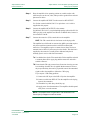
Step 1
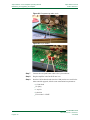
Connect the power cord.
Step 2
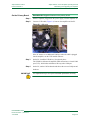
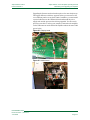
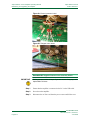
Adjust the 8877 tube and exhaust chimney.
Step 3
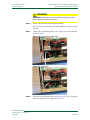
Replace the amplifier cover and all attachment screws.
Step 4
Place the amplifier in its operating position on a stable surface with
sufficient space to the rear, sides, and top to allow good air flow and safe
placement of cables.
Step 5
Connect the amplifier RF INPUT to the transceiver RF OUTPUT.
Step 6
Connect the amplifier RF OUTPUT to the antenna.
Step 7
Connect the transceiver (T/R) control cable to the amplifier.
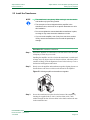
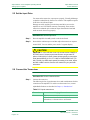
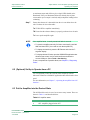
3.6 Set the Input Drive
SEE . . .
Step 1
Section 5.5, “Set the Input Drive,” page 5–10
[need info]
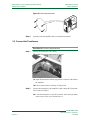
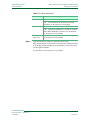
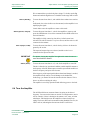
3.7 Connect the Transceiver
SEE . . .
Section 5.6, “Connect the Transceiver,” page 5–10
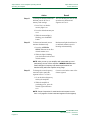
Step 1
Connect the transceiver.
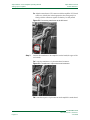
Step 2
(Optional) Enable the transceiver automatic antenna tuner.
DOCNUMBER 9500
Document Issue 1, Revision 7
June 2009
Page 3–3