1
Issue 5.00
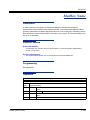
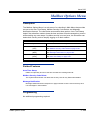
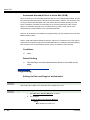
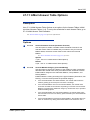
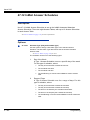
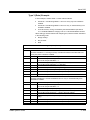
47-12 Program Entry
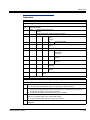
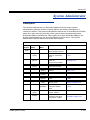
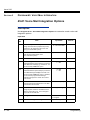
47-12 InMail Answer Schedules
(Entry Range) [Default Setting]
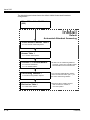
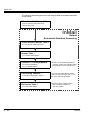
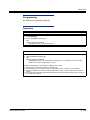
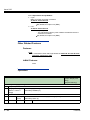
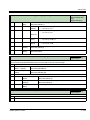
Speaker + #*#* + Password (12345678) + Transfer + 4712 + Option.
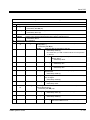
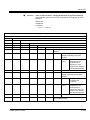
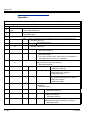
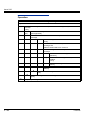
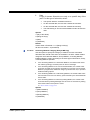
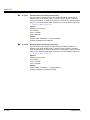
There are 10 Answer Schedules (1~10) within each of the 8 available Answer Tables (1~8).
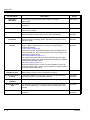
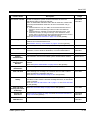
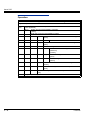
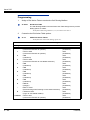
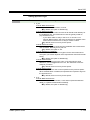
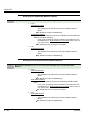
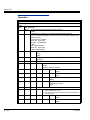
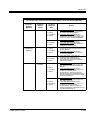
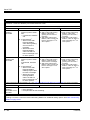
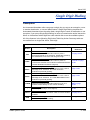
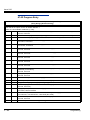
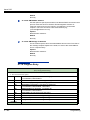
01
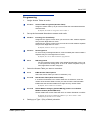
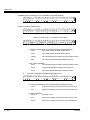
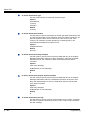
Entryxx Schedule Type (1=Day of the Week, 2=Range of Days, 3=Date, 0=Undefined)
[Answer Table 1/Schedule 1 = 2, All other schedules = 0]
02
Entry MB (1=Station, 2=Group, 3=Routing, 0=Undefined)
[Answer Table 1/Schedule 1 = 3, All other schedules = 0]
Entryxx MB Num (3 digits, using 0~9) [Answer Table 1/Schedule 1 = 1, All other schedules =
No entry]
03
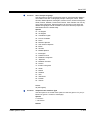
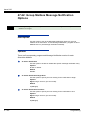
Entryxx Day (1=Sunday, 2=Monday, 3=Tuesday, 4=Wednesday, 5=Thursday, 6=Friday,
7=Saturday)[1]
LK1=Sunday, LK2=Monday, LK3=Tuesday, LK4=Wednesday, LK5=Thursday, LK6=Friday,
LK7=Saturday
04
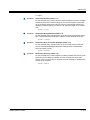
Entryxx Start Day (1=Sunday, 2=Monday, 3=Tuesday, 4=Wednesday, 5=Thursday, 6=Friday,
7=Saturday) [Answer Table 1/Schedule 1 = 2 (Monday), All other schedules = 1 (Sunday)]
LK1=Sunday, LK2=Monday, LK3=Tuesday, LK4=Wednesday, LK5=Thursday, LK6=Friday,
LK7=Saturday
05
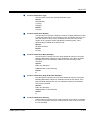
Entryxx End Day (1=Sunday, 2=Monday, 3=Tuesday, 4=Wednesday, 5=Thursday, 6=Friday,
7=Saturday)
[Answer Table 1/Schedule 1 = 6 (Friday), All other schedules = 1 (Sunday)]
LK1=Sunday, LK2=Monday, LK3=Tuesday, LK4=Wednesday, LK5=Thursday, LK6=Friday,
LK7=Saturday
06
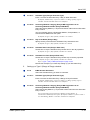
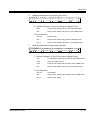
Entryxx Date(MM/DD) (MMDD) [0000]
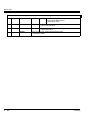
07
Entryxx Start Time (HHMM) [0000][Answer Table 1/Schedule 1 = 0830, All other schedules =
0000]
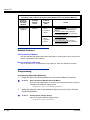
08
Entryxx End Time (HHMM) [Answer Table 1/Schedule 1 = 1700, All other schedules = 0000]
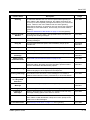
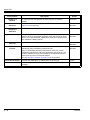
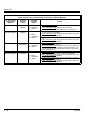
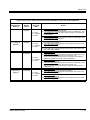
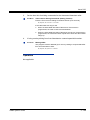
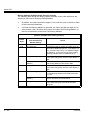
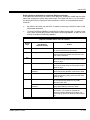
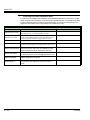
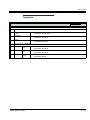
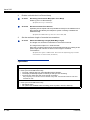
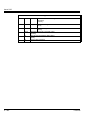
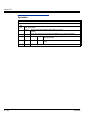
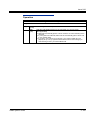
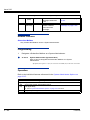
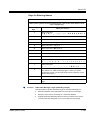
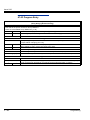
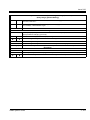
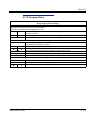
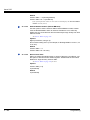
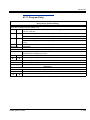
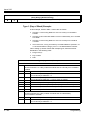
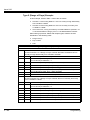
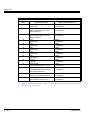
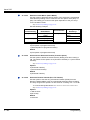
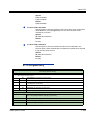
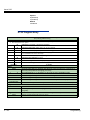
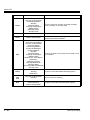
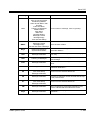
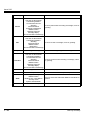
Press this:
To do this:
Editing
Transfer
Enter (accept) data you entered and advance to the next prompt, or advance to the next
prompt without changing your entry.
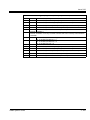
-1
+1
Scroll backwards (-1) or forwards (+1) through the list of available entries.
I
J
When editing an entry, moves the cursor left or right.
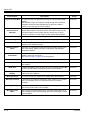
Conf
When editing an entry, delete the character to the left of the cursor.
Hold
When editing an entry, Hold erases the entire entry from the display.
Line Keys (LK)
Where indicated, press a line key to enter a specific value for the selected option.
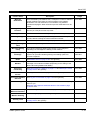
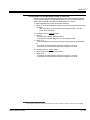
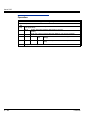
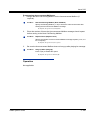
Navigation
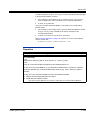
Redial
Answer
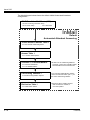
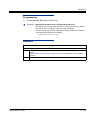
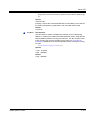
Redial + Table number + Redial selects an Answer Table.
Redial + Redial +Entry number + Redial selects an Answer Schedule.
Backs up to the previous level (e.g., from Option to Series, or from Series to Program).
InMail System Guide
3 - 435