1
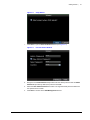
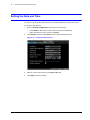
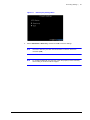
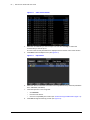
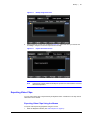
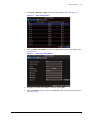
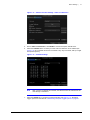
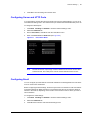
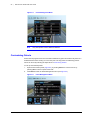
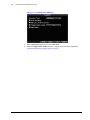
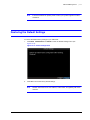
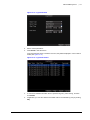
HRG DVR Management | 117 Note If the HRG DVR fails to update, please contact your system supplier for further assistance. Restoring the Default Settings To restore the default factory settings to your HRG DVR: 1. Click Menu Maintenance Default to enter the Default Settings menu (see Figure 12-13). Figure 12-13 Default Settings Menu 2. Click OK to restore the factory default settings. Note Network information such as IP address, subnet mask, and gateway will not be restored. 800-12005V1 - A - 08/2012