1
LTU/NTU
Operating Manual
SZ-DOC-W5-1.pdf
Version: 1.5
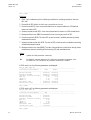
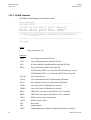
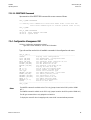
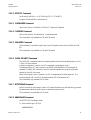
7.3.4.2 Configuration Commands
E1 Interface
G704:
Set framed mode / transparent mode.
CRC4:
Set CRC4 mode on / off.
EBIT:
Set automatic E-Bit insertion on / off.
AISGEN:
Set AIS generation on / off.
AISDET:
Set AIS detection on / off.
EXTCLK:
Set external clock mode on / off.
MP
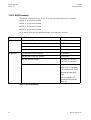
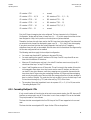
Set E1 mapping mode:
0 : TS0 not transmitted, TS16 only if frE1 > 16
1 : TS0 always transmitted, TS16 only if frE1 > 16
2 : TS0 not transmitted, TS16 always transmitted
3 : TS0 and TS16 always transmitted
Multiservice only:
ON: switch E1 Port on
OFF: switch E1 Port off
UIF:
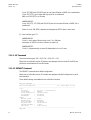
Set the user interface type to E1 or PRA.
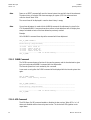
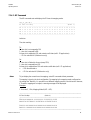
PRA Interface
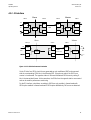
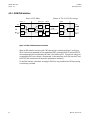
PRA:
Select the ISDN PRA functional entities of the modem:
OFF:
NT1LT:
LT:
NT1:
CRC4:
no PRA function (transparent transmission)
both NT1 and LT
only LT
only NT1
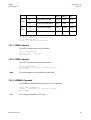
Set CRC4 processing option (Subscriber access option):
1 : digital link without CRC4 processing
2 : digital link with CRC4 processing
3 : option 3 is not available
4 : digital link with CRC4 monitoring
This configuration selects the subscriber access option of the whole
digital section (NT1 and LT) only if PRA Mode NT1 & LT is selected. If
NT1 and LT functions run on different modems, the CRC4 settings of
both modems determine the access option (see description of PRA
configuration options).
Revision: 2002-09-10
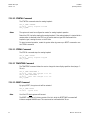
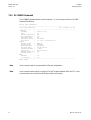
CRC4SA6:
Set generation of CRC4 error notifications to the ET on / off (applies
only to NT1).
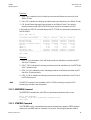
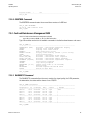
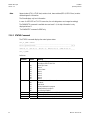
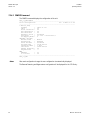
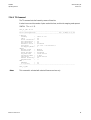
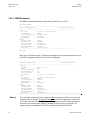
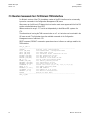
MP
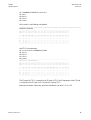
Display E1 time slot mapping
60