1
CDM-710 Broadcast Satellite Modem
Front Panel Operation
Revision 10
MN/CDM710.IOM
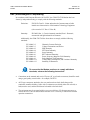
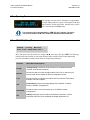
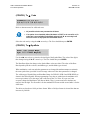
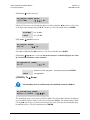
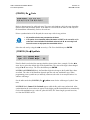
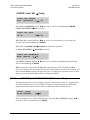
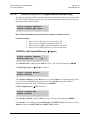
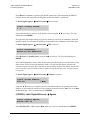
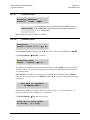
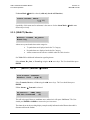
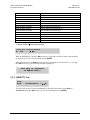
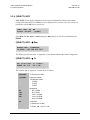
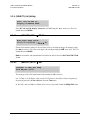
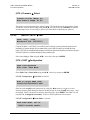
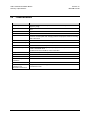
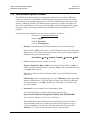
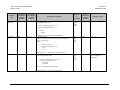
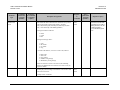
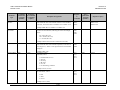
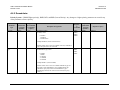
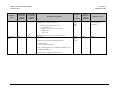
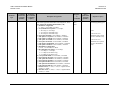
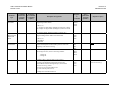
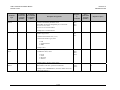
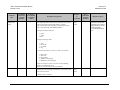
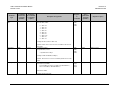
(CONFIG:) Rx Æ Code
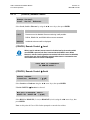
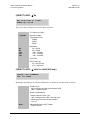
Code Rate: 1/2 3/5 2/3
3/4 4/5 5/6 7/8 8/9 9/10
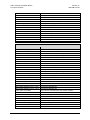
Refer to data rate menu for valid code rates. The cursor only lands on valid code rates depending
upon the mode and purchased options. If the Mode is set to DVB-S2 the menu is read only and
the demodulator automatically resolves the code rate.
Prior to synchronization of the Rx path, the cursor may reside in any position.
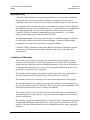
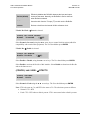
• All possible choices are presented at all times.
IMPORTANT
• If an option is not installed (either Hardware or FAST) or is not valid, or if a
code rate is not available for the Mode selected, the ◄ ► arrow keys will
force the cursor to skip past the unavailable choice.
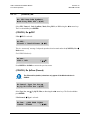
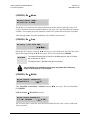
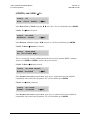
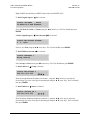
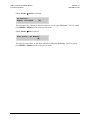
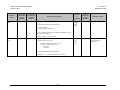
Select the code rate by using the ◄ ► arrow keys. The User should then press ENTER.
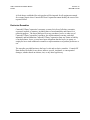
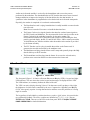
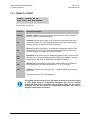
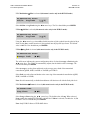
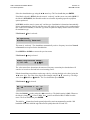
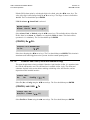
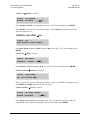
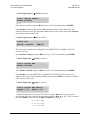
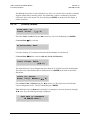
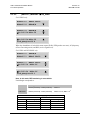
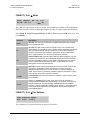
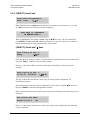
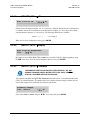
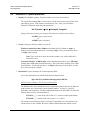
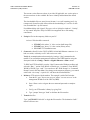
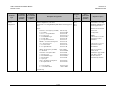
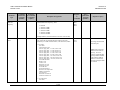
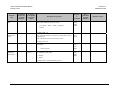
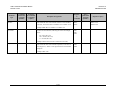
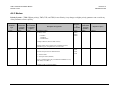
(CONFIG:) Rx Æ SymRate
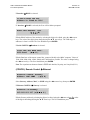
Data: 017.185842 Mbps
Sym: 017.379483 Msps
(E)
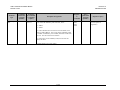
If the Rx Path is not locked, the message should as shown in the above example. Use the ◄ ►
arrow keys to select the desired digit of the Symbol Rate. The value of the digit is then changed
using the ▲ ▼ arrow keys. The User should then press ENTER.
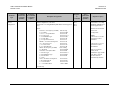
In DVB-S and DVB-DSNG Mode, the Data Rate digits also change as the Symbol Rate values
are edited. The value of the Data Rate depends upon the code rate, modulation type. When
programming a new symbol rate (or indirectly a data rate) the value is not accepted unless it is
within a valid range.
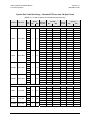
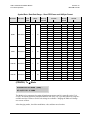
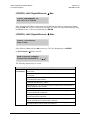
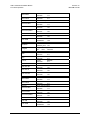
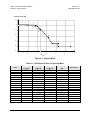
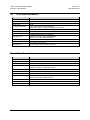
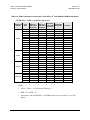
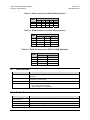
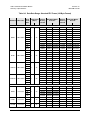
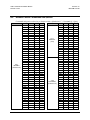
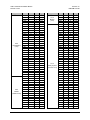
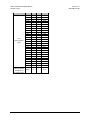
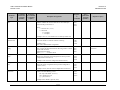
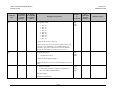
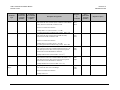
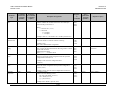
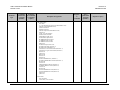
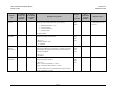
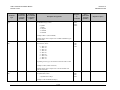
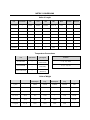
See the tables under the (CONFIG:) Tx Æ SymRate menu for the valid range of symbol / data
rates.
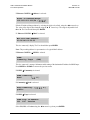
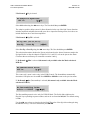
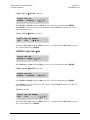
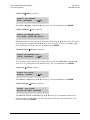
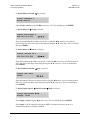
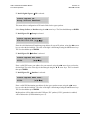
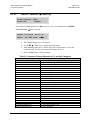
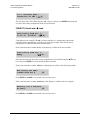
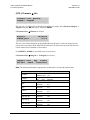
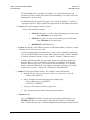
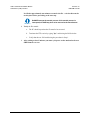
In DVB-S2 Mode, Demod Unlocked appears while the Rx path is not synchronized. After
synchronization the correct data rate appears in the display and the demodulator has automatically
resolved the modulation type, code rate, pilots ON/OFF, FEC frame length, spectral inversion,
etc. from the DVB-S2 carrier.
5–22