1
188
Using the Matrox MediaTools interface
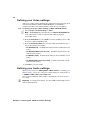
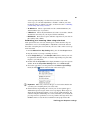
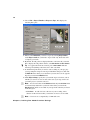
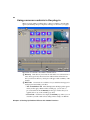
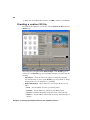
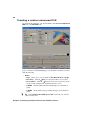
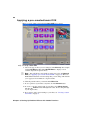
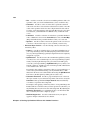
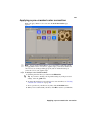
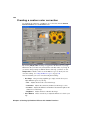
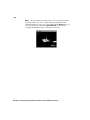
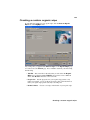
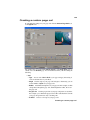
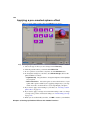
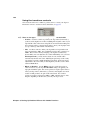
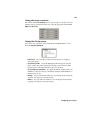
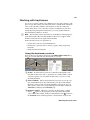
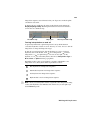
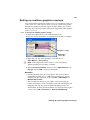
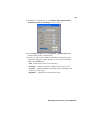
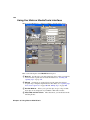
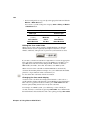
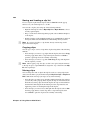
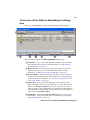
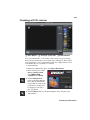
When you start MediaTools, a dialog box similar to the following appears:
✐
✒
✑
✔
✕
✘
✖
✗
Here’s a brief description of the MediaTools dialog box:
✐ New tab
Use this tab to scan and capture new clips to add to your clip list,
and create batch capture lists. For more information, see “Scanning and
capturing clips” on page 196.
✑ Edit tab
Use this tab to capture clips in a batch capture list, edit and
recapture clips, and update clip information. For details, see “Capturing clips
from a batch capture list” on page 200 and “Editing clips” on page 200.
✒ Preview Window
Allows you to preview clips on tape or clips on disk.
Your clips are also displayed on your NTSC or PAL video monitor.
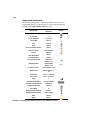
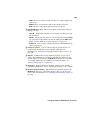
VTR, CAM, and Disk buttons
following modes:
Chapter 8, Using Matrox MediaTools
These buttons let you switch between the