1
Connecting a Bluetooth device in Windows Vista or
Windows 7
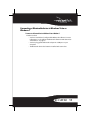
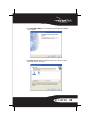
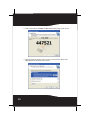
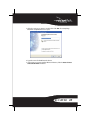
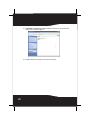
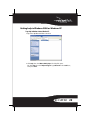
To connect to a Bluetooth device in Windows Vista or Windows 7:
1 Make sure that:
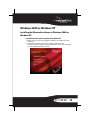
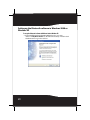
• You have installed and configured the Bluetooth software. For more
information, see “Installing the Bluetooth software in Windows Vista
or Windows 7” on page 5.
• You have plugged the Bluetooth adapter in a USB port on your
computer.
• The Bluetooth device has batteries installed and is turned on.
RF-FLBTAD 11