1
CD-3706/P
Operator’sGuide
Guide
5000
Series Operator’s
Document Revision:06/15/05
Revision: 030501.1
Document
Viewing Device Information
To view the 5000 Series’ DRIVE device information, the steps are as
follows:
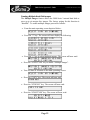
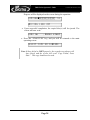
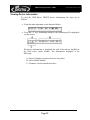
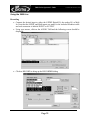
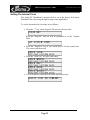
• From the main operating screen depicted below:
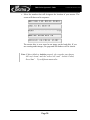
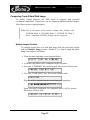
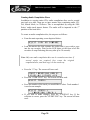
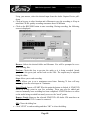
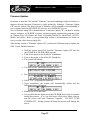
• Press the “6” key. Something similar to the following will be displayed
on the screen:
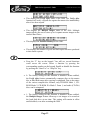
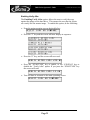
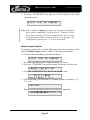
The device information is displayed for each of the drives installed in
the 5000 series copier module. The information displayed is the
following:
A= Device Number (position of device in system)
B= Drive Model Number
C= Firmware version installed on drive
Page 29