1
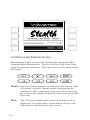
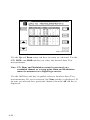
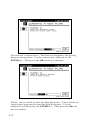
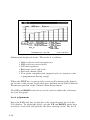
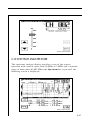
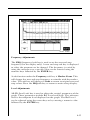
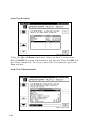
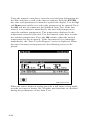
To adjust the Ref Level, press the Ref Level soft key. Now the Ref
Level can be changed by using the UP and DOWN arrow keys or by
entering a numeric value followed by the ENTER key. The reference level is at the top of the graph.
NOTE: The reference value is limited by unit and the scale setting.
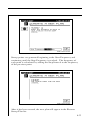
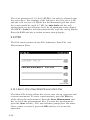
Pressing the Auto Scale soft key will automatically set the reference
level for an optimum Tilt display. The FCN + Scale key can also be
used to automatically set the reference level.
4.6 SCAN MODE
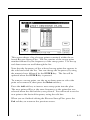
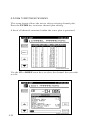
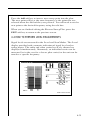
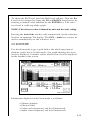
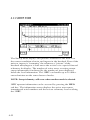
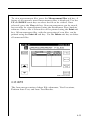
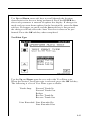
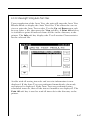
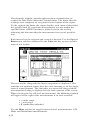
Use the Scan mode to get a good look at the whole spectrum of
absolute carrier levels. In this mode a bar graph showing all carrier
levels is displayed. A marker selects which carrier level is displayed
on the bottom of the screen.
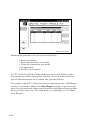
Information displayed in the Scan mode is as follows:
• Channel number
• Channel label
• Video carrier frequency and level (numerical)
• Audio carrier frequency and level (numerical)
4-39