1
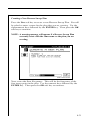
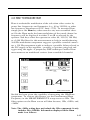
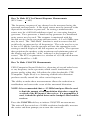
NOTE: HUM measurements taken while the desktop charger is in
use will affect the HUM reading. For the most accurate
reading disconnect the charger prior to taking HUM
measurements.
4.9 MODULATION
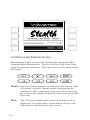
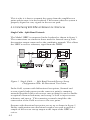
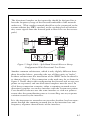
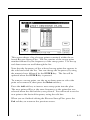
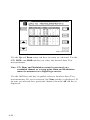
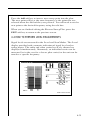
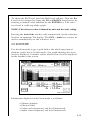
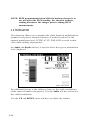
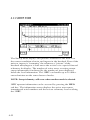
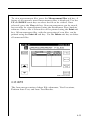
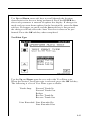
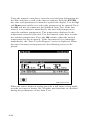
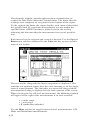
This function allows you to monitor the video depth of modulation in
graphical and precise numerical format. A marker is placed at the
optimal modulation level (NTSC 87.5%, PAL 90%) to assist technicians while making adjustments.
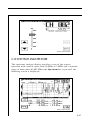
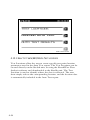
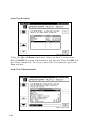
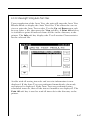
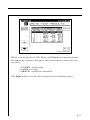
An Audio and Depth soft key is used to select the type of modulation
to be displayed.
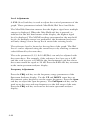
An additional feature is the ability to listen to the audio modulation
of the tuned channel or frequency. Use the Audio soft key to listen to
the audio modulation.
Use the UP and DOWN arrow soft keys to adjust the volume.
4-46