1
CME 2 User Guide
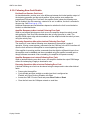
Stepper Controls
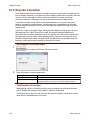
Detent Compensation Gain
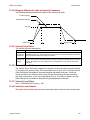
Stepper motors are subject to torque detent that can cause undesired velocity fluctuation
between full steps of motion. The Detent gain feature can compensate for this detent.
Tune Stepper Detent Gain
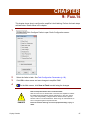
1
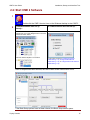
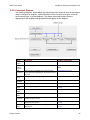
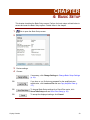
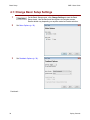
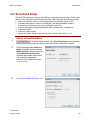
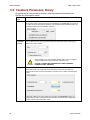
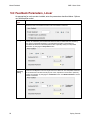
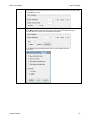
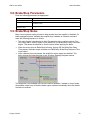
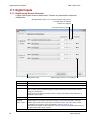
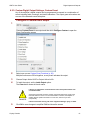
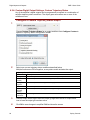
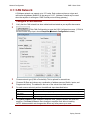
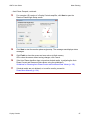
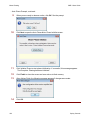
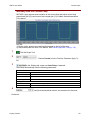
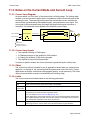
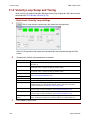
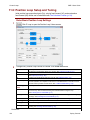
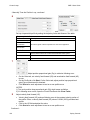
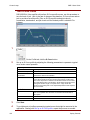
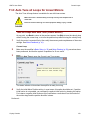
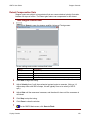
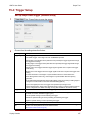
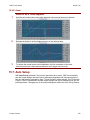
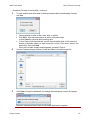
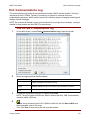
Click Detent to open the stepper amplifier Advanced Tuning screen.
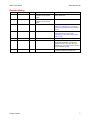
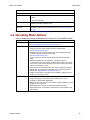
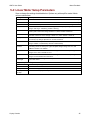
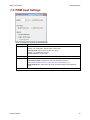
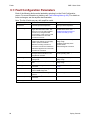
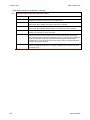
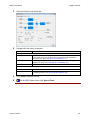
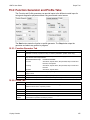
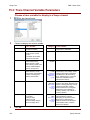
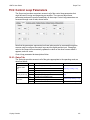
Screen settings and controls are described below:
Setting
Description
Velocity
Tuning velocity. Default: 0.
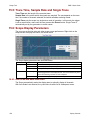
Trace Time
Length of trace interval to be shown on screen. Default: 25 ms.
Gain (Detent Gain)
The Stepper Detent Gain value. Default: 0.
Auto Scale Lock
When selected, prevents trace display from rescaling during tuning.
2
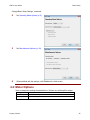
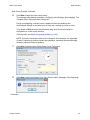
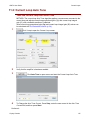
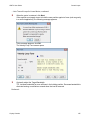
Click Start to begin the tuning.
3
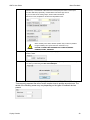
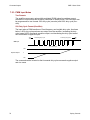
Adjust Velocity from 0 until the mechanical system begins to resonate. (Using a 1.8
degree step motor with 200 full steps, this will typically occur at a velocity of 40-70
rpm.)
4
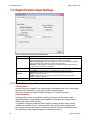
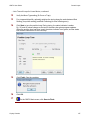
Adjust Gain until the resonance increases, and then back it down until the resonance is
minimized.
5
Click Stop to stop the tuning.
6
Click Close to close the window.
7
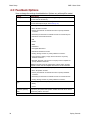
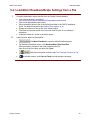
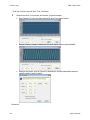
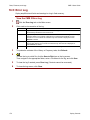
On the CME 2 Main screen, click Save to Flash.
Copley Controls
143