1
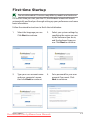
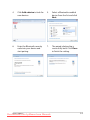
5.
Read the end user license
agreement and check the
two boxs before I accept the
license terms. Click Next to
continue.
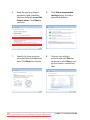
6.
Click Use recommended
settings to get the latest
important updates.
7.
Specify the time zone you
are in and the local date and
time. Click Next to continue.
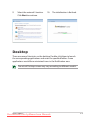
8.
Connect to a wireless
network and click Next to
continue, or click Skip to set
up the wireless connection
later.
2-4
Downloaded from LpManual.com Manuals
Chapter 2: Getting Started