1
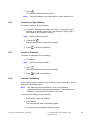
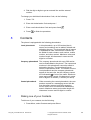
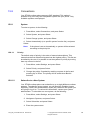
5. Press Next.
6. Enter the PARK code.
7. Enter the AC code and press Next.
Protection on? is displayed.
8. Select Yes, if the new system is to be protected, or No if the new
system is not to be protected.
Note:
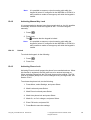
It is not possible to delete a protected subscription.
9. Press OK.
A searching mode starts.
15.8.1.3
Unsubscribe System
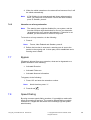
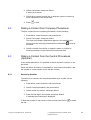
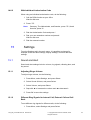
To unsubscribe from a system, do the following:
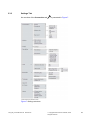
1. Press Menu, select Settings, and press Select.
2. Select System, and press Select.
3. Select Unsubscribe, and press Select.
4. Select system to unsubscribe.
A control question whether to unsubscribe or not is asked, press
Yes to confirm.
Note:
15.8.2
It is not possible to delete a protected subscription with this
procedure. Contact your system administrator if you need to
delete a protected subscription.
Rename System
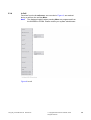
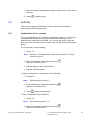
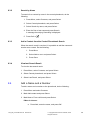
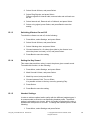
It is possible to change the name of the system in the phone. To rename a
system, do the following.
1. Press Menu, select Settings, and press Select.
2. Select System, and press Select.
3. Select Rename System, and press Select.
4. Select the system to rename, and press Edit.
5. Enter the new name and press Save..
15.8.2
In Charger
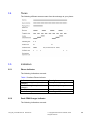
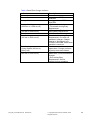
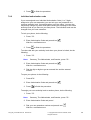
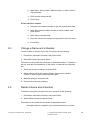
Calls can be redirected to another extension when the cordless phone is
placed in a charger. The function is automatically cancelled when the
phone is removed from the charger.
1424_EN_LZT103087 Rev B1 2009-05-20
© Copyright Aastra Telecom Sweden, 2009.
All rights reserved.
80